

Arknights: Endfield Beginner Guide: What to Set Up and Check in Your First Sessions
A practical beginner guide for Arknights: Endfield: which in-game tools to open first, how the factory and region systems fit together, and what to check before you spend Headhunting Permits.
Details below were checked against Gryphline’s official announcements and update notes, and the Steam page, in November 2026. Some features were described in January 2026 notes, so confirm anything time-sensitive in the game.
If you have just started Arknights: Endfield, the number of menus can feel like a lot. Here is what to open, set up and check first.
This guide suggests an order (its own, not Gryphline’s): Game Tools, then combat, then the factory, then Headhunting. Before you spend Headhunting Permits, read the banner information in the game.

For an overview of the game, read our Arknights: Endfield guide.
1. Open Game Tools early
Two Gryphline posts name the Game Tools entry point differently. The Game Tools guide (22 January 2026) says to “open [Protocol Synchronizer], and press the Game Tools button”. The Game Tools Updated post (22 September 2026) says to “open the [Protosync], then click the [Game Tools] icon”. This guide does not treat the two names as the same menu. The January guide lists these tools:
- Protocol Terminal: search game data such as operators and region development, with Sanity stats and Daily Task progress.
- Team Picks and Build Guide: team setups, skill suggestions and combat strategies shared by other players.
- Map Tools: search and filter resources and facilities, and view the structures you have built.
- WIKI: a community-maintained resource for basic operator and item information.
- Daily Sign-in: a sign-in tool for rewards.
Treat shared builds as suggestions. Compare them with the skills you actually have.
2. Learn combat by playing it
Steam describes combat as leading your team into battle, moving them freely and chaining their skills to shatter enemy defenses. So use early content to practice three things: moving, switching operators and using skills together.
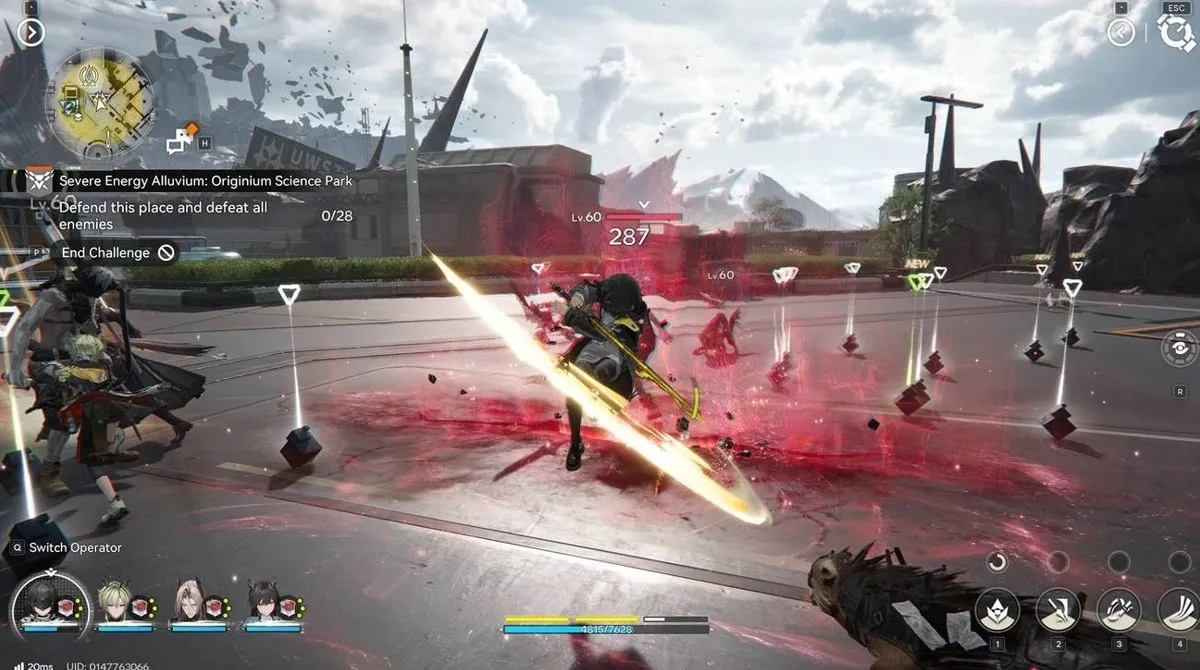
Gryphline’s Sanctuary of Ink update notes (15 October 2026) mention a setting for the priority order of combo skills on the Team screen and a long-press on the lock-on button that brings up a reticle. If the defaults do not feel right, check the combat settings.
3. Take the factory tutorials seriously
The official site highlights the Automated Industry Complex, or AIC, as a factory system that automates production of gear, explosives, batteries, tactical items and other materials. Gryphline’s Official Release Preview notes (17 January 2026) say guidance prompts for the AIC Factory were optimized, along with the visual feedback for transport belts and pipes that shows whether they are properly connected to facilities.
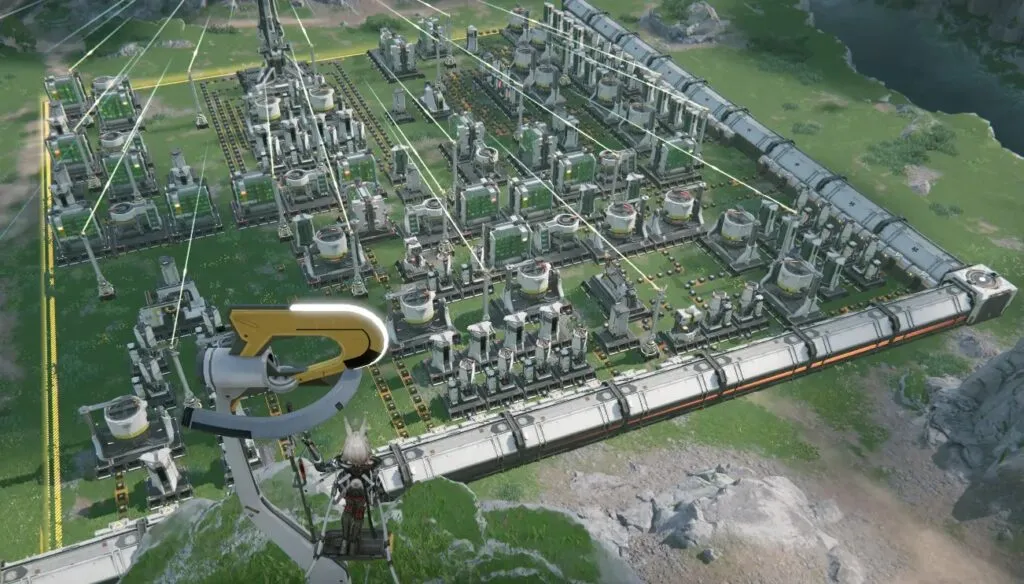
Make one habit out of it. After you place a belt or a pipe, check that its connection indicator shows it is connected. Then move on.
4. Watch the region notifications
The same 17 January 2026 notes say that when certain Regional Development buildings in a region can be unlocked or upgraded, a notification appears under Map, then Mission Reminder, then Key Mission. Check that list. It shows what you can do next without searching the map.
5. Use the weapon and progression helpers
Gryphline describes several helpers you can use in the game:
- Matching Weapon: on the Operator, Weapons screen, it recommends a weapon based on the operator’s skills and attributes. Treat it as a suggestion from the system.
- Weekly Routine: a permanent screen in the Event Center with missions that refresh every week.
- Protocol Pass: Gryphline says it diversified the mission types and increased rewards across all tiers (17 January 2026 notes).
Before you rely on any of them, read the mission requirements and reward conditions shown in the game. Also read what a weapon recommendation is based on.
6. Check Headhunting details before you spend
Before you spend Headhunting Permits, open the banner information in the game and read how it describes the rates, any guarantees, how the counter carries over between banners, and the conditions for any extra attempts. What matters is what the game shows for the banner you are looking at.
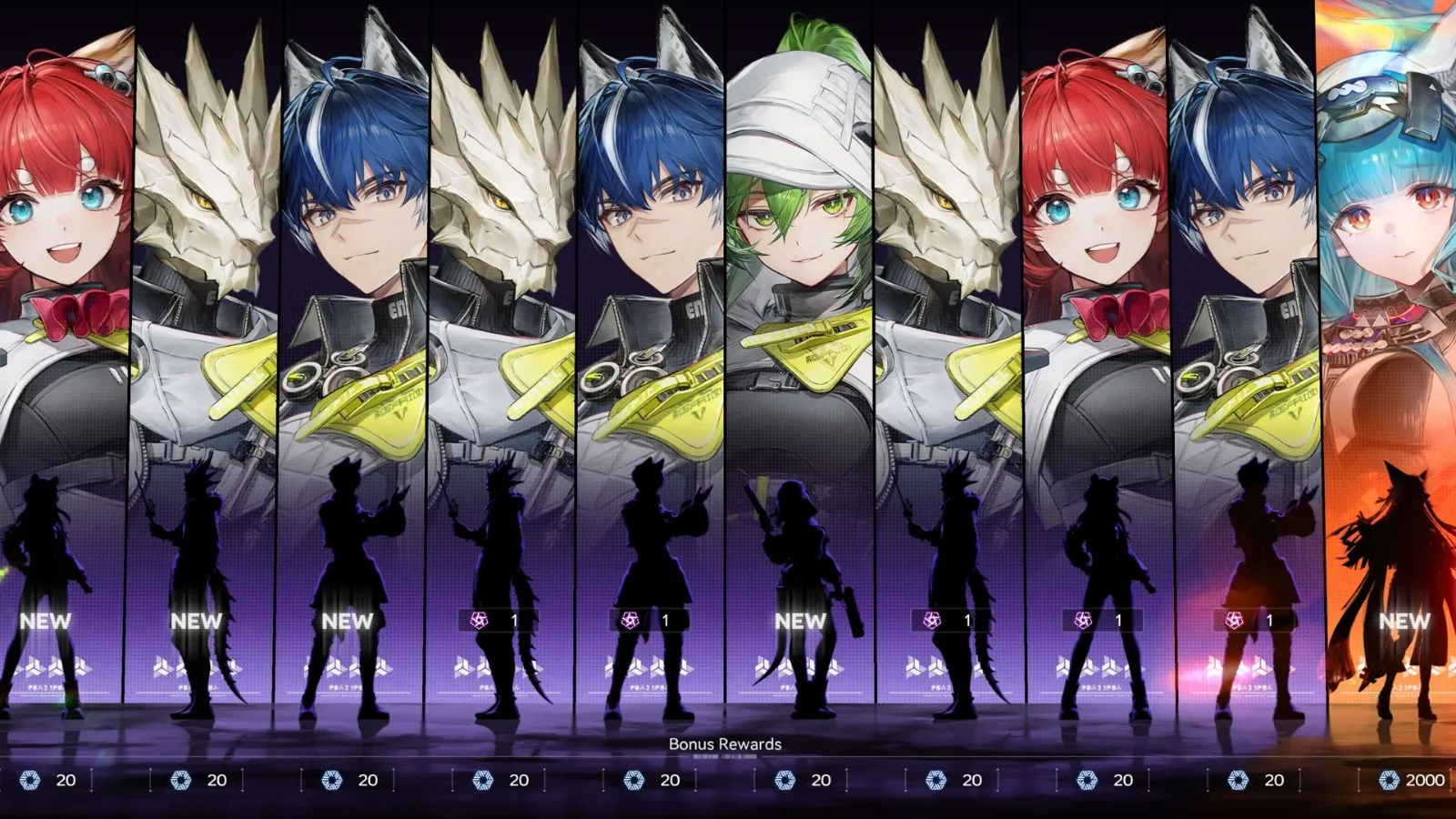
Before choosing, check each operator’s class, element and skills.
Things to double-check
- Spending Headhunting Permits before reading the banner information.
- Copying a shared build without comparing it with the skills you have.
- Placing belts and pipes without checking the connection indicator.
If the game runs poorly
Gryphline’s 17 January 2026 notes describe a new preview feature in the Settings menu, Device Load or Estimated GPU Memory Usage depending on the platform. It helps you see how well your current settings match your device. If you notice stutter or low FPS, note which of the two you see before you change settings, because they can have different causes.
Recap: your first sessions
- Open Game Tools (see the entry points above) and look at the Protocol Terminal.
- Practice switching operators and chaining skills in early content.
- Follow the factory tutorials and check belt and pipe connections.
- Check the Key Mission list for Regional Development notifications.
- Read mission requirements, reward conditions and weapon recommendations in the game before spending materials.
- Read the banner information in the game before spending Headhunting Permits.