Desk accessories for gaming in 2026: what actually improves your setup
Want to know what really separates a gaming setup that just exists from one that feels genuinely professional? It’s not always the $300 mechanical keyboard with per-key RGB or that curved ultrawide everyone raves about—though yeah, those definitely don’t hurt. It’s the small things, the accessories most people completely overlook until one day they’re sitting there realizing their desk looks like a cable explosion happened, their wrists are screaming after every session, and they’ve knocked over their energy drink for the third time this week.
Been there. Done that. Got the sticky keyboard to prove it.
Desk accessories might seem like those minor details you can worry about later… but honestly? They’re what separates a setup that actively works against you from one that genuinely enhances how you game and stream. And here in 2026, the options have gotten ridiculously good—like, surprisingly so.
What these things actually do (beyond looking cool)
Desk accessories are basically your main gear’s supporting cast—the character actors that make the lead shine brighter. They organize your chaos, protect your expensive equipment, improve ergonomics in ways you don’t notice until they’re there, and honestly just make everything look more intentional and put together. Think of them as the infrastructure letting you focus on gaming instead of constantly battling your physical environment.
The real functionality behind organization
Good desk accessories solve incredibly specific problems you might not even consciously realize you’re dealing with. Cable management systems prevent that absolute rat’s nest of wires making cleaning impossible and looking horrendous on camera during streams. Monitor arms liberate desk space while positioning screens at proper ergonomic heights—which matters more than you think. Mouse pads provide consistent tracking surfaces while simultaneously protecting your desk’s finish from wear. Headphone stands keep your expensive audio gear safe and organized instead of just… tossed on your keyboard or dangling off your monitor edge precariously.
Modern accessories integrate legitimately smart features too—wireless charging pads literally built into desk mats, USB hubs that actually match your setup’s aesthetic instead of being ugly plastic blobs, LED lighting that syncs with your games for immersion. These aren’t just functional tools anymore; they’ve become part of your gaming environment’s overall experiential ecosystem. If that makes sense.
Why default setups are quietly sabotaging you
Most people start with their gear just sitting on their desk. Monitor perched on its stock stand eating up tons of prime real estate. Cables going absolutely everywhere in chaotic tangles. Mouse sliding around on bare wood or cheap laminate. Headphones draped over the monitor bezel or stuffed beside the keyboard. It technically works, sure—but it’s massively inefficient and legitimately uncomfortable during those marathon gaming sessions that stretch way longer than you planned.
Without proper accessories, you’re constantly fighting ergonomic nightmares—neck strain from monitors positioned at completely wrong heights, wrist pain from inadequate mouse pad support or no support at all, lower back pain from sitting incorrectly because nothing’s positioned right. Your expensive gear stays perpetually at risk from spilled drinks or accidental drops when you’re gesturing wildly during an intense moment. And if you’re streaming? That messy background is visible to literally everyone watching, silently judging your cable management or lack thereof.
Categories of accessories every serious gamer needs
The desk accessory market offers literally countless products across dozens of categories, but some deliver exponentially more value than others specifically for gaming setups.
Cable management that actually solves the problem
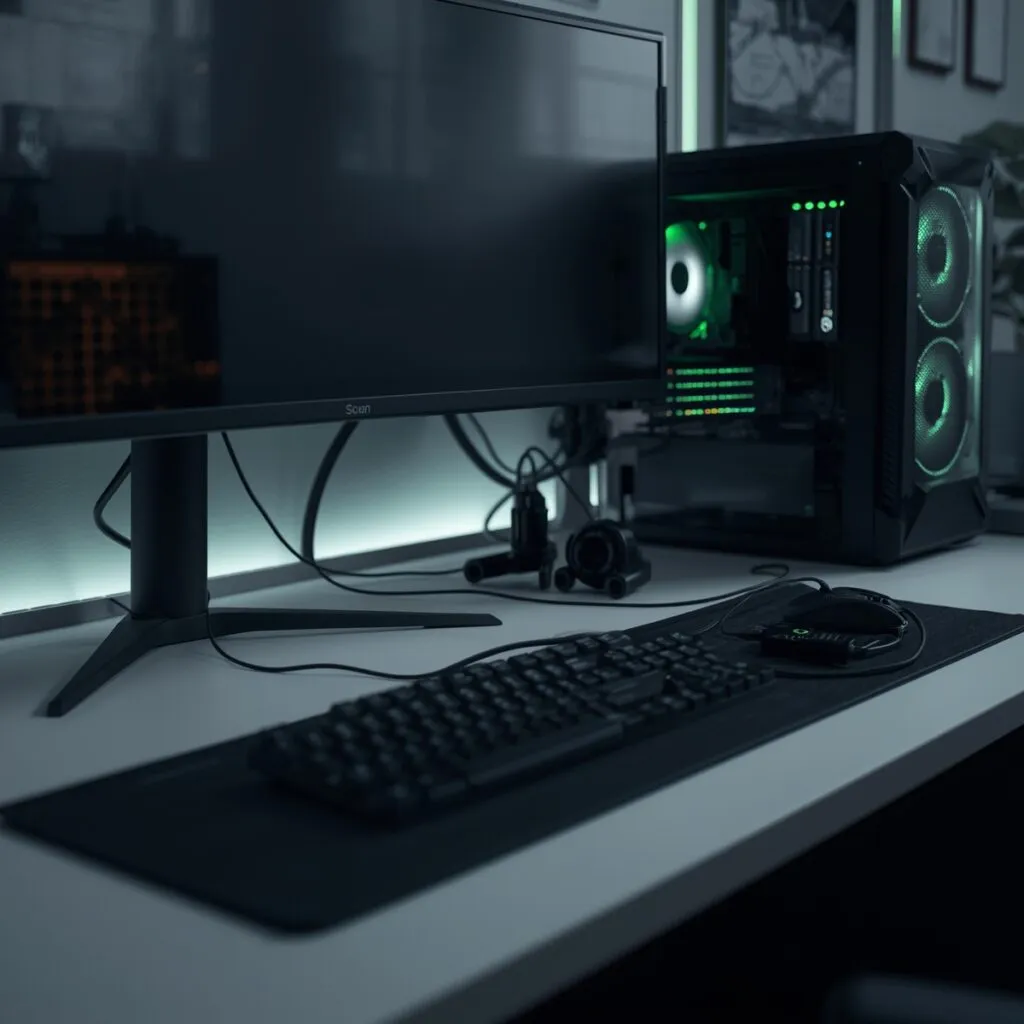
Cable management sounds boring as hell—I get it. But it’s genuinely transformative when done properly. Under-desk cable trays, those little adhesive clips, cable sleeves, management boxes… these turn absolute spaghetti wire nightmares into organized runs that look intentional, purposeful even. You can actually clean your desk without unplugging seventeen things first, and troubleshooting becomes ridiculously simple when you can immediately see which cable connects to what.
Modern solutions like the IKEA Signum (surprisingly good actually) or generic wire baskets mount cleanly under your desk, routing every cable completely out of sight. Velcro cable ties let you bundle wires by type—power cables grouped together, USB cables together, display cables separate. The result looks professional even if literally nobody except you ever sees it… and the functional benefits hit you immediately, every single day.
Monitor arms—seriously life-changing
Monitor arms are probably the single best desk accessory investment for most gamers. Period. A quality gas spring arm from Ergotron or even Amazon Basics costs somewhere around $80-150 but completely, utterly transforms your entire setup. Your monitor suddenly floats at perfect eye level, tilts easily for glare reduction, and most importantly frees up absolutely massive amounts of desk space previously occupied by that ridiculously chunky stock monitor stand.
For multi-monitor configurations? Dual or triple monitor arms create these seamless setups where screens position exactly where you need them—no compromises. No more stacking random books under monitors trying to match heights or dealing with those annoying mismatched levels. The ergonomic benefits are legitimately real too—proper monitor height reduces neck strain significantly during those long gaming sessions that somehow turn into all-nighters.
Mouse pads that do way more than you’d think
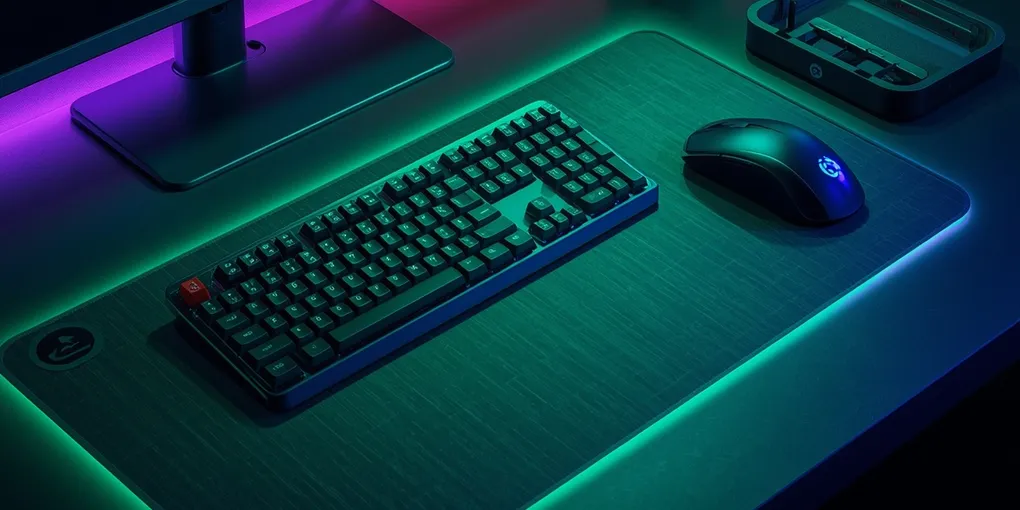
The mouse pad market has absolutely exploded beyond those basic rubber rectangles from the ’90s. Extended mouse pads now cover your entire desk surface, providing consistent tracking for both mouse and keyboard while protecting your desk from scratches and wear. Brands like SteelSeries, Razer, HyperX… they’re offering these massive pads with professionally stitched edges that won’t fray after three months, water-resistant surfaces that laugh at spills, and designs ranging from subtle minimalist to aggressively gamer-aesthetic with skulls and lightning bolts everywhere.
Hard surface mouse pads provide this ultra-smooth glide for low-friction gaming mice—absolutely perfect for FPS players needing precise, lightning-fast movements without any drag. Cloth pads offer more control and are generally way more comfortable for extended use, especially if you rest your wrist on the pad. Some premium pads even include wireless charging zones built right in, RGB lighting because of course they do, or integrated USB hubs—essentially turning a simple mouse pad into a command center for your peripherals.
Ergonomic stuff for when sessions run long
Wrist rests, ergonomic mouse pads with gel support cushions, footrests… these might seem completely unnecessary luxury items until you’re three or four hours into a gaming session and literally everything hurts. Quality wrist rests from companies like Glorious or HyperX provide memory foam or gel support maintaining proper wrist alignment, significantly reducing strain and potentially preventing nasty conditions like carpal tunnel syndrome down the road.
Adjustable footrests improve your overall posture by letting you position your feet comfortably and naturally, which affects your entire sitting position more than you’d expect. It seems weirdly disconnected from gaming performance—like, what do your feet have to do with headshots?—but proper lower body positioning actually reduces fatigue substantially and helps you maintain sharp focus during competitive matches or marathon streaming sessions.
Headphone stands (your $400 headset deserves better)
If you’ve invested in quality headphones—and you absolutely should have by now—just leaving them on your desk or draped over your monitor is basically asking for eventual damage. Dedicated headphone stands keep your audio gear safe, organized, looking professional. Many include additional features like USB charging ports, RGB lighting (because everything has RGB now), or even built-in DACs for improved audio quality straight from the stand itself.
Under-desk headphone hangers represent another approach entirely, mounting beneath your desk to keep headphones easily accessible but completely out of sight when not actively in use. This works especially well for streamers wanting minimal desk clutter visible on camera—keeps the background clean and professional-looking.
What separates actually good accessories from garbage
Not all desk accessories are remotely created equal, and understanding what separates quality products from overpriced junk saves you significant money and frustration long-term.
Build quality actually matters here
Cheap desk accessories break quickly, fade within weeks, or degrade embarrassingly fast. Quality accessories use genuinely durable materials—metal construction instead of brittle plastic, reinforced stitching on fabric products, tempered glass that won’t randomly shatter. A $15 monitor arm will sag and drift within months, making you constantly readjust; a $100 gas spring arm maintains absolutely perfect positioning for years without touching it.
Look for accessories featuring metal construction, quality plastics that don’t feel like they’ll snap if you breathe on them wrong, and warranties actually indicating manufacturer confidence in their product. Reviews specifically mentioning long-term durability are worth their weight in gold here—literally anyone can manufacture something working adequately for a month or two.
Aesthetic integration (or your setup looks messy)
Your desk accessories should genuinely complement your setup’s overall aesthetic instead of clashing horribly. If you’ve carefully built this sleek black and white minimalist setup, bright red gaming accessories will clash absolutely terribly and ruin the entire vibe. Thankfully, 2026 offers accessories in basically every aesthetic imaginable—minimalist clean lines, cyberpunk chaos, RGB everything everywhere, natural wood grain, industrial metal finishes, literally you name it.
RGB lighting has become nearly universal in gaming accessories at this point… but controllable RGB matters infinitely more than just having lights. Can you sync it with your other peripherals for unified effects? Can you set colors matching your current game’s palette? Or are you permanently stuck with rainbow puke cycling mode forever?
Real functionality vs marketing gimmicks
Some accessories pack in features you’ll genuinely use constantly; others include gimmicks you’ll completely ignore after day one. A mouse pad with a built-in wireless charging zone is legitimately useful for keeping your phone charged during long streams—super practical. A mouse pad with a built-in calculator or weird cup holder thing molded into it? Probably not so much, honestly.
Consider your actual workflow and genuine needs here. Do you constantly need USB ports within immediate reach? A desk-mounted USB hub makes tremendous sense. Do you drink coffee or energy drinks while gaming? A desk-mounted cup holder with anti-spill design could literally save your keyboard’s life someday. Be brutally honest with yourself about which features genuinely enhance your experience versus which just sounded cool in the marketing copy.
Space efficiency (because desks aren’t infinite)
Desk real estate is genuinely precious, especially in smaller bedroom setups or apartments. Accessories mounting under the desk or on walls preserve that valuable surface space for actual gaming and streaming activities. Monitor arms, under-desk cable trays, mounted USB hubs, headphone hangers… all these maintain high functionality while keeping desk surfaces beautifully clean and uncluttered.
Consider your desk’s actual construction too—some accessories require thick solid desks for proper mounting, others work fine with thin IKEA countertops, some absolutely need solid wood rather than particleboard or they’ll just rip out eventually. Check compatibility specs before buying to avoid disappointing returns and wasted time.
Setting everything up without losing your mind
Buying accessories is merely step one; proper installation and thoughtful configuration determines whether they actually improve your setup meaningfully or just add more clutter to manage.
The strategic installation order (this matters)
Start with cable management—it’s literally the foundation everything else builds upon. Route cables under your desk using trays or adhesive clips before positioning any other accessories. Install monitor arms next, since they significantly affect positioning of everything else on your desk surface. Then add mouse pads, keyboard wrist rests, and finally decorative accessories like headphone stands or figurines.
This specific order prevents constant frustrating reorganization. If you install your headphone stand first and then realize your monitor arm needs that exact desk space… you’re basically starting over from scratch. Planning the layout on paper first—seriously, actually draw it out even if it feels silly—saves tremendous time and frustration during actual installation.
Cable canagement done right
Bundle cables by type using velcro ties—power cables together, USB cables grouped, display cables separate. Leave slight slack in cables preventing tension when moving equipment around or adjusting positions for comfort. Label cables with small tags indicating what they connect to; future you will appreciate this immensely when troubleshooting mysterious connection issues at 2 AM.
Use cable sleeves for runs remaining visible, like cables running from your desk down to your PC tower on the floor. Braided sleeves in colors matching your setup’s aesthetic look intentional and purposeful rather than accidentally messy. For under-desk management specifically, spiral wrap works remarkably well for keeping multiple cables bundled together while still allowing individual cables to break out exactly where needed.
Ergonomic positioning (your body will thank you)
Position monitors at arm’s length distance away, with the screen’s top at or slightly below eye level—not way up high where you’re craning your neck constantly. Your mouse should sit close enough that your elbow stays comfortably near your body; stretching forward repeatedly creates serious shoulder strain over time. Keyboard should be positioned so your wrists remain straight and neutral while typing, not bent awkwardly upward or downward at angles.
Footrests should let your feet rest completely flat with knees at roughly 90-degree angles. If your chair adjusts higher for proper desk height but leaves your feet dangling uncomfortably in the air, a footrest solves this immediately. Proper positioning often feels genuinely weird initially if you’ve been sitting incorrectly for years… but the long-term benefits to your body are absolutely worth the brief adjustment period.
Where desk accessories are headed
As we push deeper into 2026, desk accessories keep becoming smarter, more integrated with our tech ecosystems, and increasingly essential to truly complete setups rather than optional extras.
Wireless charging everywhere
Built-in wireless charging has expanded way beyond just phones now—keyboards, mice, even headphones support it. Desk pads with multiple charging zones let you position devices literally anywhere on your desk surface and have them charge automatically without thinking about it. No more dedicated cable management just for charging—devices simply stay topped up constantly.
Qi2 wireless charging offers significantly faster charging speeds and better efficiency than earlier Qi standards, finally making wireless charging genuinely practical even for power-hungry devices like gaming mice with high polling rates. The convenience of never manually plugging in your peripherals adds up shockingly fast in daily use.
Smart everything (when it actually works)
Motorized desk accessories controlled via smartphone apps or voice commands are becoming increasingly common. Motorized monitor arms adjust height automatically based on time of day or which user they detect sitting down. Smart desk lamps adjust color temperature automatically to reduce eye strain during evening gaming sessions as ambient light changes. RGB accessories sync perfectly with your games through sophisticated software integration, creating immersive lighting matching on-screen action.
These smart features work best when they’re genuinely subtle—adjusting automatically in the background without requiring constant manual intervention or configuration. The goal here is enhancing your experience seamlessly without adding unnecessary complexity to your workflow or making you fiddle with apps constantly.
Sustainability efforts
The gaming industry is slowly, gradually embracing sustainability principles, and desk accessories are participating in this shift—finally. Bamboo accessories, products manufactured from recycled plastics, companies offering take-back recycling programs for old accessories… these are becoming more common and visible. Quality products lasting years inherently create dramatically less waste than cheap accessories requiring replacement annually or even more frequently.
Choosing what actually works for your space
Your perfect accessory configuration depends entirely on your specific space constraints, genuine needs, and realistic budget—there’s absolutely no universal perfect setup working for everyone.
For minimalist setups in cramped small spaces, focus intensely on multi-functional accessories serving multiple purposes without cluttering your limited desk surface. A large desk mat providing mouse tracking and surface protection simultaneously, a single high-quality monitor arm maximizing precious desk space, and comprehensive under-desk cable management keeping absolutely everything hidden from view.
RGB enthusiasts wanting their setup to absolutely pop on stream need accessories with fully controllable lighting syncing seamlessly across products. Unified ecosystems from brands like Razer or Corsair ensure everything coordinates perfectly and looks cohesive… though you’ll definitely pay premium prices for that integration and ecosystem lock-in.
Ergonomics-focused setups for people gaming or streaming legitimately for hours daily should prioritize comfort accessories above aesthetic concerns—quality wrist rests, properly supportive ergonomic mouse pads, monitor arms with extensive adjustment ranges, proper footrests. Your body will genuinely thank you after years of correct positioning instead of developing chronic pain from consistently poor ergonomics.
Wrapping this up
Desk accessories genuinely transform gaming setups from merely functional to genuinely exceptional by addressing all those small details that accumulate into major quality-of-life improvements. Proper cable management, thoughtful ergonomic positioning, and intelligent organization elevate both your personal gaming experience and your content quality for viewers watching your streams.
The investment in quality desk accessories pays tangible dividends daily through dramatically better organization, substantially improved comfort during long sessions, and setups looking as professional as they actually function. In 2026, desk accessories aren’t remotely optional extras for serious gamers and streamers—they’re genuinely essential components of any setup taking itself seriously and wanting to compete professionally.
Understanding which accessories actually matter versus marketing hype empowers you to build a setup genuinely enhancing rather than hindering your gaming and streaming activities, creating an environment where you can legitimately focus on performance and content creation instead of constantly fighting with your physical workspace. Because your setup should work for you, not against you—seems obvious but you’d be surprised how many people get this backwards.