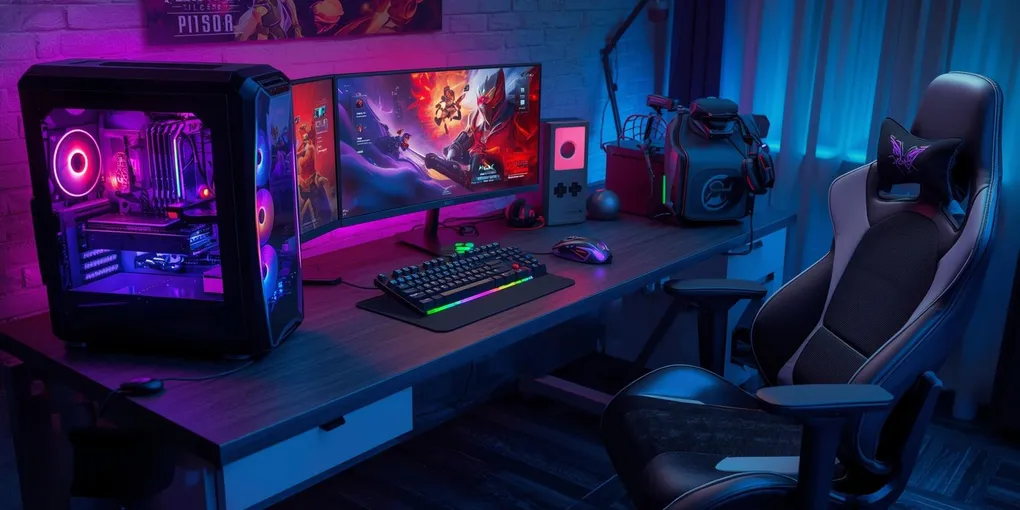
Look, I’ll be honest with you—setting up a gaming desk isn’t what it used to be. Back when I first got into PC gaming (we’re talking like 2017, maybe 2018?), it was all about how many LED strips you could cram onto your setup, right? The flashier, the better. But now? Things have… shifted, I guess you could say.
In 2025, we’re finally—finally—talking about ergonomics. And not in that corporate-training-video kind of way, but actually thinking about what happens to your body when you’re grinding ranked matches for six hours straight or streaming three times a week. Because let me tell you, your wrists will remember every bad decision you make with desk height.
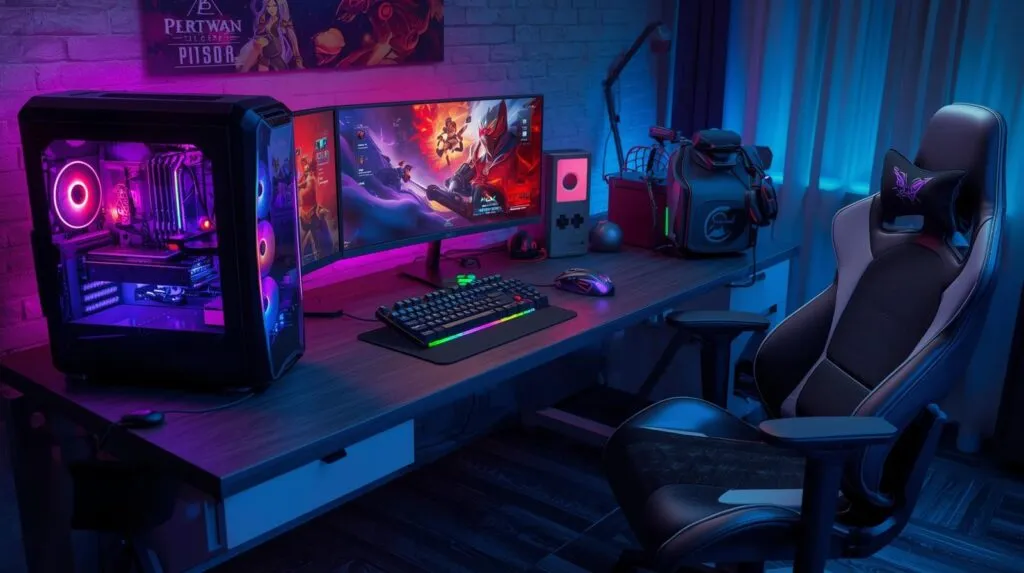
Desk height (or: why my shoulders hurt for three years)
This is where everything starts, and I mean everything. The height of your desk is basically the foundation of whether you’ll feel like a functional human being or a twisted pretzel after gaming sessions.
Here’s the thing about adjustable desks—electric standing ones especially. They’ve become almost… standard? Which feels weird to say because five years ago they were this luxury item only streamers with sponsorships could afford. But now—
For seated gaming: you want 70-75 cm roughly, though honestly this depends on how tall you are (I’m 5’10” and sit at 72 cm and it feels perfect, but my friend who’s 6’3″ needs way more)
Standing mode: around 105-110 cm for average adults, though “average” is doing a lot of heavy lifting in that sentence
Your elbows. They need to be at 90 degrees—like a perfect right angle—when your hands rest on the desk naturally. Not reaching up, not slumping down.
What happens if you get this wrong? Wrist tension that sneaks up on you. Shoulder fatigue that you don’t notice until you’re three matches deep and suddenly your aim is garbage. Back strain that makes you feel 20 years older than you are… Okay, I’m exaggerating a bit, but you get the point.
The desk surface situation
Not all desks are created equal—some are basically glorified cardboard (I learned that one the hard way with my first “gaming desk” from Amazon).
Modern materials in 2025:
- Carbon-steel hybrid textures that actually last
- Anti-reflective matte laminates (a godsend if you have multiple monitors and any natural light in your room whatsoever)
- Full-desk mousepads integrated right into the surface
That last one is kind of genius actually. Consistent mouse tracking across your entire workspace, with no edges to catch on. Though I do wonder if it’s harder to clean? Haven’t tried one myself yet.
Your forearms need to rest comfortably without that weird friction you get from cheap surfaces. It affects micro-adjustments in FPS games more than you’d think.
Monitor positioning: the silent killer
Okay, dramatic title, but seriously—incorrect monitor placement is the number ONE cause of neck strain in gamers, and nobody talks about it enough!
Professional guidelines say:
- Eye level hits the top third of the screen (not the middle, the TOP third)
- Distance: 60-80 cm away depending on size… I use 27″ monitors and keep them at about 65 cm, which works
- Angle them slightly upward, not down
For dual-monitor setups (which, let’s be real, most of us have now, whether for streaming or just Discord on the side), put your main display dead center. Secondary monitor? Angle it 20-30 degrees. This feels unnatural at first, but your neck will thank you.
Monitor arms changed my life—I know that sounds dramatic, but the ability to adjust things on the fly, plus the desk space you get back? Worth every penny of the $150 I spent. Though you can find decent ones for less if you’re not getting the fancy gas-spring versions.
Chair + Desk = the relationship that matters
Even the world’s best ergonomic chair—and I’ve tried a few; I fell down that rabbit hole hard last year—won’t save you if your desk height is wrong.
Quick checklist (and I actually keep this taped to my wall because I forget):
- Feet flat on ground (or footrest if you’re shorter)
- Knees at 90-100° angle
- Lower back supported, like actually touching the lumbar support
- Chair armrests matching desk height exactly
- Wrists neutral… not bent up, not bent down, just straight
Getting this synergy right is the difference between finishing a tournament feeling tired versus finishing it feeling destroyed. There’s a difference, trust me.
Cable management (the unsexy truth)
Everyone shows off their RGB setup, but nobody wants to show the cable spaghetti underneath, right? But here’s the thing—
A messy desk isn’t just ugly. It actively makes you worse at gaming. Your mouse catches on cables, you get distracted by the visual clutter (even if it’s subconscious), and your equipment might overheat if air can’t flow properly.
Best practices that actually work:
- Under-desk cable trays (IKEA has cheap ones)
- Velcro straps to bundle everything (so much better than zip ties because you can adjust them)
- Mount your power strip underneath
- Cable grommets if your desk has holes for them—route everything through
USB hubs should sit at the desk edge where you can reach them. I keep mine on the right side next to my—wait, most people are right-handed, so the left side makes more sense? Depends on your setup, I guess.
A clean workspace = faster reaction times. I can’t prove this scientifically, but I know it’s true.
Lighting: function over flash
2025 has brought a shift here too. We’re prioritizing eye comfort over aesthetic flex (though you can have both if you’re smart about it).
What actually helps:
- LED backlighting behind monitors—this reduces eye strain SO much, especially in dark rooms
- Soft desk-level lighting instead of harsh overhead lights
- RGB accents kept at low intensity (I know, I know, but trust me on this)
Neutral ambient lighting reduces fatigue way more than you’d expect. And it makes dark games easier to see—everything from horror titles to tactical shooters benefits.
Though I’ll admit I still crank up the RGB when friends come over because it just looks cool. We’re gamers; we’re allowed to care about aesthetics sometimes!
Keyboard & mouse placement (The Details Matter)
This affects performance directly, and I’m passionate about this one.
Rules that actually matter:
- Keyboard centered on desk, not shoved back
- Mouse at elbow height with your wrist neutral (there’s that word again)
- Wrist rests are… controversial? They help some people, but they shouldn’t elevate your wrists above natural position
FPS players—and I mainly play Valorant and Apex, so I’ve tested this extensively—benefit massively from positioning gear closer to their torso. More mobility, faster reactions, and better micro-adjustments during firefights.
I used to have my keyboard way back on the desk and my mouse at a weird angle and wondered why my aim was inconsistent. Turns out, physics matters!
Desk size & space optimization
Space is premium real estate in 2025, especially with how much gear we’re cramming onto these setups now.
Recommended widths:
- 120 cm: compact (tight but doable for single monitor)
- 140-160 cm: sweet spot for dual monitors
- 180+ cm: ultrawide territory or multi-device battlestations
But here’s what people forget—depth matters just as much! Minimum 70-80 cm so your monitors aren’t in your face. I have a 75 cm deep desk, and it’s perfect for my 27″ dual setup, but I wouldn’t go smaller.
Though my room is small, I had to really measure everything like three times before buying… The amount of tape marks I had on my floor was honestly embarrassing.
Accessories worth considering
Some upgrades provide immediate results:
Monitor arms—already mentioned but seriously get these
Under-desk keyboard tray—optional, and honestly I don’t use one but some people swear by them
Desk risers—for putting peripherals at different levels (I use one for my stream deck)
Anti-fatigue mats—if you’re doing the standing desk thing, your feet will thank you
Full-size extended mousepads—bigger is better, especially for low-sensitivity players
These aren’t just comfort upgrades. They affect workflow, efficiency, and ultimately, performance metrics that matter for competitive play.
and why this actually matters
An ergonomic gaming desk setup is an investment. Not just financially—though yeah, quality gear costs money—but an investment in your body’s longevity and your gaming performance.
Sessions are getting longer, hardware is getting more complex, and if you’re serious about gaming (competitive or casual doesn’t matter), you need a setup that supports rather than fights against you.
Prioritize desk height first. Then monitor positioning. Then lighting and posture. Layout efficiency comes last but still matters.
You’ll create a space built for accuracy, productivity, and that total immersion we’re all chasing. Whether you’re competing in tournaments or just enjoying weekend sessions with friends, your body will feel the difference.
In 2025, ergonomics isn’t some optional nice-to-have feature.
It’s a legitimate performance upgrade. Period.