
Everything You Need to Build Your Perfect Gaming Setup
This ultimate gaming gear guide will help you build the perfect setup for any budget in 2026.
Whether you’re a weekend warrior or a competitive grinder, your gaming gear is the single biggest factor separating frustrating sessions from peak performance. The problem? The market is drowning in overpriced hype, misleading specs, and gear designed to look good on a shelf not to actually help you win.
This pillar guide cuts through the noise. We’ve tested, benchmarked, and analyzed every category of gaming hardware from mice and keyboards to chairs and headsets so you can make smarter decisions at any budget.
Use this as your master reference. Jump to any section, or read it start to finish for the complete picture. In this gaming gear guide, we break down every component you need to improve performance, comfort, and consistency.
Table of Contents
- Gaming gear guide: mice, sensors & performance tiers
- Keyboards: From Budget Boards to Custom Builds
- Headsets: Accuracy Over Marketing Hype
- Gaming Chairs: Ergonomics That Actually Matter
- Budget Upgrades Under $50 That Make a Real Difference
- Why Your Gear Might Be Holding You Back
Gaming gear guide: mice, sensors & performance tiers
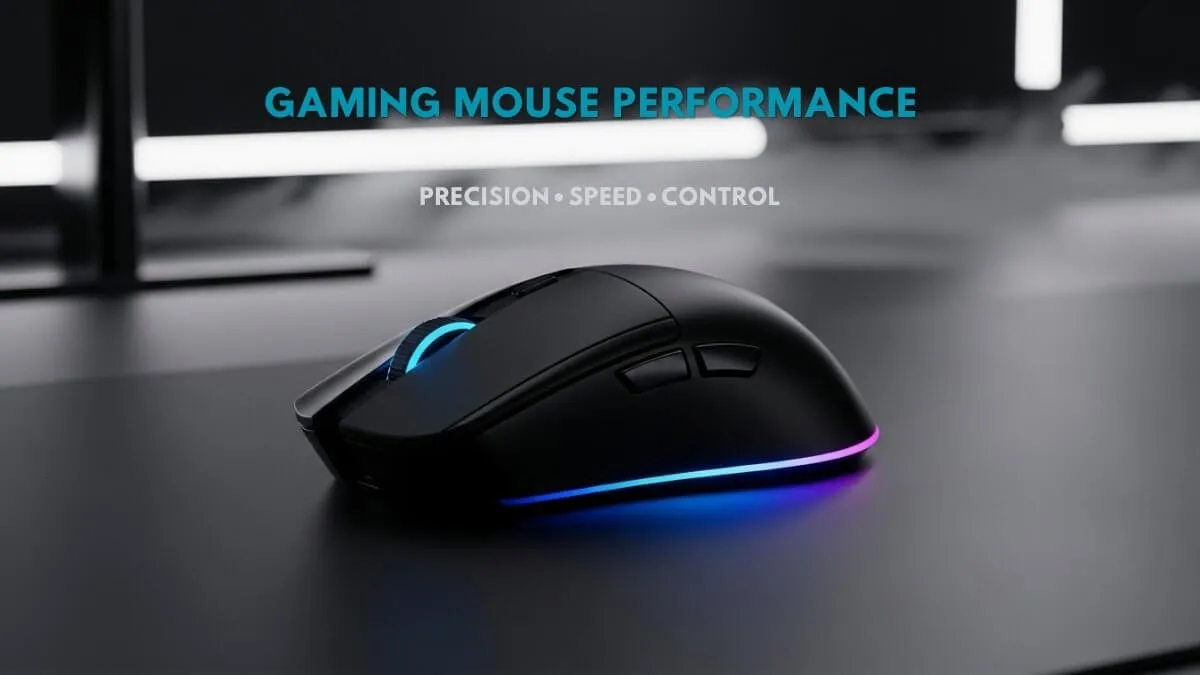
Your mouse is the most direct link between your hand and the game. Every millisecond of input lag, every gram of excess weight, every poorly designed sensor these aren’t minor inconveniences. In competitive play, they compound into real losses.
The three grip styles (and why they define everything)
Palm Grip Full hand contact, best for longer play sessions. Larger mice with flatter profiles work best here.
Claw Grip Arched hand, fingertips on buttons. Balanced control and speed. The most common choice among competitive players.
Fingertip Grip Only fingertips touch the mouse. Ultra-fast flicks and repositions. Requires smaller, lighter mice.
Your grip style should dictate your mouse shape before you even look at specs. Buying the “best” mouse on paper but in the wrong shape is one of the most common and costly mistakes gamers make.
Sensor truth: what specs actually matter
DPI is the most abused spec in gaming peripherals. Raw DPI numbers mean almost nothing without context. What actually matters: optical vs. laser (optical wins for gaming every time), maximum tracking speed in IPS, and whether the sensor has hardware acceleration or angle snapping both of which distort your aim invisibly.
Top sensors to look for in 2025: PixArt PAW3395, PixArt PMW3360, and Hero 25K. Mice built around these sensors are reliable across all performance tiers.
Budget tiers at a glance
| Tier | Price range | What you get |
|---|---|---|
| Budget | Under $30 | Solid sensor, no frills |
| Mid-Range | $30–$60 | Sweet spot for most gamers |
| High-End | $60–$100 | Premium switches + tunable weight |
| Ultra (Wireless) | $100+ | Low-latency wireless, flagship sensors |
The mid-range tier delivers the best value. Most competitive players don’t need and won’t feel the difference between a $60 and a $150 mouse.
For a deeper breakdown, check our **complete gaming mouse guide **covering grip styles, sensors, and performance.
Keyboards: from budget boards to custom builds
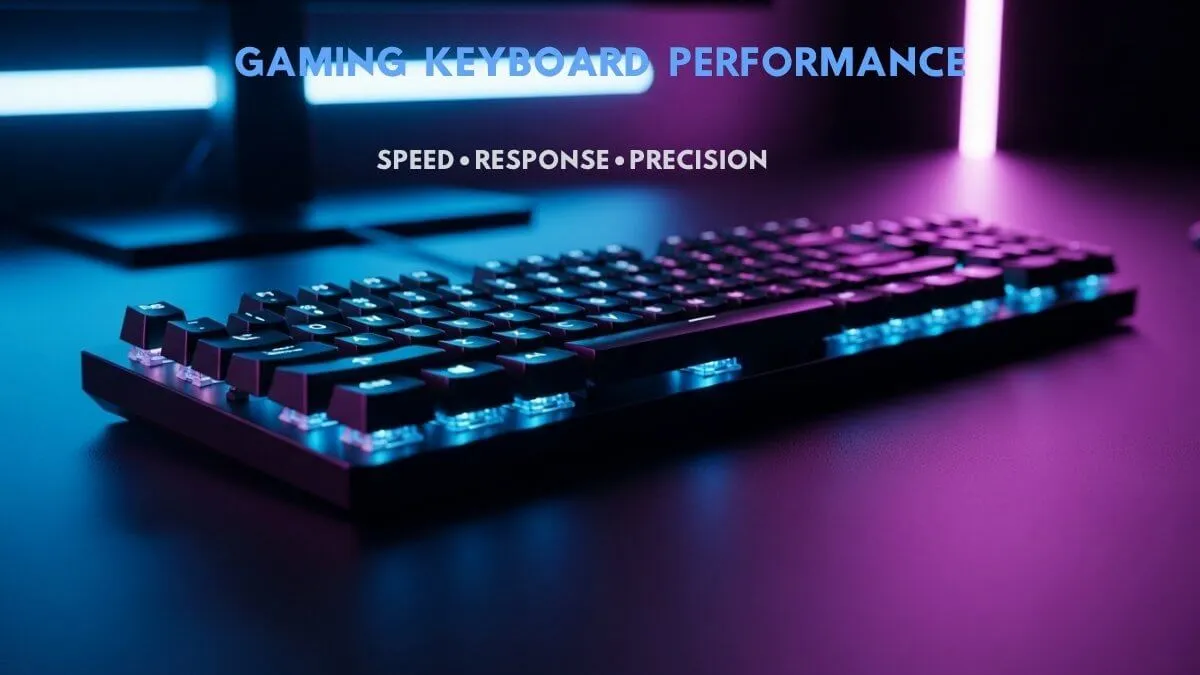
The keyboard market has exploded. What was once a simple decision membrane or mechanical? is now a rabbit hole of switch types, hot-swap sockets, gasket mounts, foam mods, and custom keycap sets. This section gives you the map.
Switch types: the foundation of feel
Linear Switches (Red, Yellow, Speed) Smooth keystroke with no tactile bump and no click. Preferred by the majority of FPS players for their consistency and speed.
Tactile Switches (Brown, Clear) A noticeable bump at the actuation point, no audible click. Great for mixed use gaming and typing.
Clicky Switches (Blue, Green) Audible click combined with a tactile bump. Satisfying to type on, but loud. Not ideal for shared spaces or late-night sessions.
Form factors: size vs. functionality
- Full-size (100%) Includes numpad. Best for setups that double as workstations.
- TKL (80%) Removes the numpad. More desk space, same layout otherwise.
- 75% Compact with full arrow key access. Most popular form factor among gamers.
- 60% Minimalist. Function keys require layers. Preferred by pros who need maximum mouse room.
Custom builds: is it worth it?
Entry-level custom builds start around $80–$120 for a quality hot-swap board with decent switches. The core advantages: you can swap switches without soldering, the sound profile is significantly better than most prebuilts, and gasket-mounted designs dramatically reduce typing noise and desk vibration.
If you spend more than two hours a day at your keyboard, a custom build is worth the investment.
If you want to explore more options, read our full keyboard buyer guide from budget to custom builds.
Headsets: accuracy over marketing hype
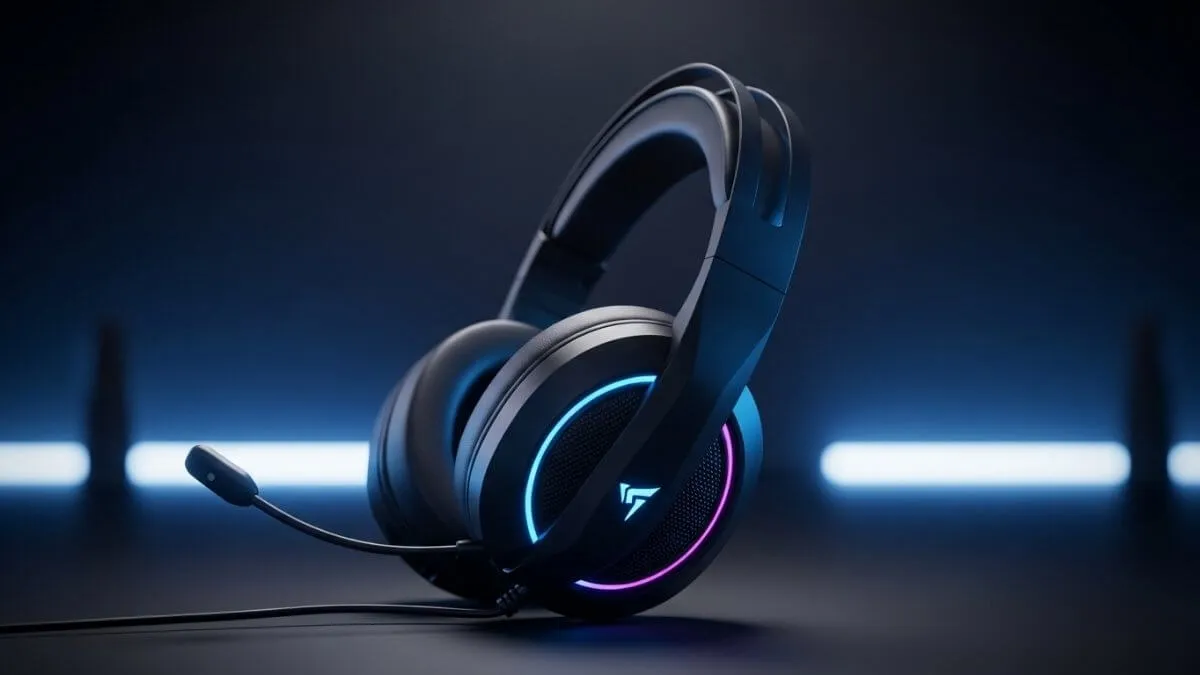
Gaming headset marketing is among the most misleading in the entire peripheral industry. “7.1 surround sound,” “50mm drivers,” “HD audio” these buzzwords are designed to sell, not to inform. Here’s what competitive gamers actually prioritize. According to independent tests from RTINGS, frequency response plays a key role in gaming headset performance.
Stereo vs. Virtual Surround: The Honest Answer
Most competitive players including pros use stereo headsets. Virtual 7.1 surround processed in software often muddies directional audio cues rather than sharpening them. A well-tuned stereo headset with a flat frequency response will give you better positional accuracy in most games than a “surround sound” headset at the same price.
Open-Back vs. closed-back
Open-Back Wider soundstage, better imaging, more natural sound reproduction. Audio leaks both in and out. Best for solo gaming in a quiet environment.
Closed-Back Passive noise isolation keeps your audio in and external sound out. Better for noisy environments, streaming, or shared spaces. Typically more bass-heavy by default.
What to ignore on the spec sheet
- Driver size (mm) Bigger does not mean better. Driver tuning determines sound quality far more than physical diameter.
- Frequency response range (20Hz–20kHz) Nearly every headset on the market hits this range. It’s a baseline, not a differentiator.
- “3D audio” or “spatial audio” labels Marketing terms with no standardized definition. Treat them as noise.
For a detailed comparison, check our **gaming headset buyer guide **to find the best option for your setup.
Gaming chairs: ergonomics that actually matter
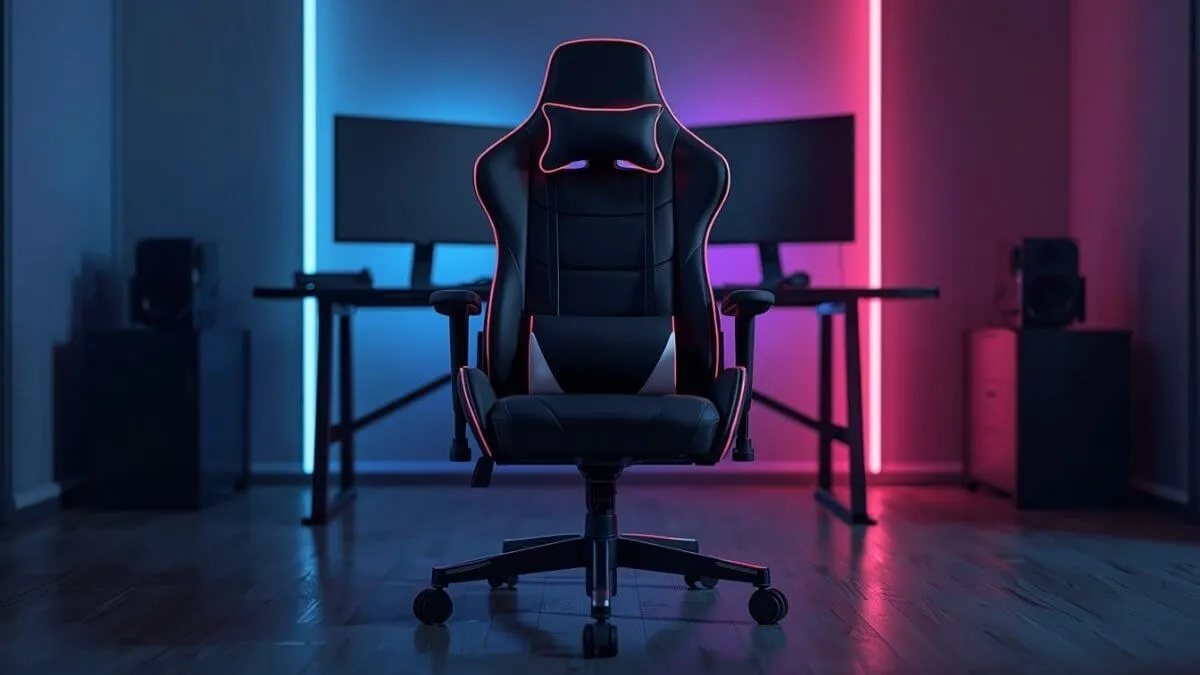
The gaming chair industry has a dirty secret: most “gaming” chairs are designed around aesthetics, not ergonomics. The racing-seat look sells. Actual lumbar support, seat depth, and adjustability? Often an afterthought.
The 5 Adjustments That Actually Matter
- Seat Height Feet flat on the floor, thighs parallel to the ground or angled slightly downward.
- Seat Depth Your lower back should make contact with the backrest without the edge cutting into the backs of your knees.
- Armrest Height & Lateral Adjustment Arms rest naturally, shoulders stay relaxed. 4D armrests are worth paying for.
- Lumbar Support An adjustable lumbar mechanism (not just a pillow) is a meaningful differentiator between budget and mid-range chairs.
- Recline Range Critical for long sessions. A 90°–135° recline range is the target.
Gaming chair vs. ergonomic office chair
Above $300, an ergonomic office chair Herman Miller, Steelcase, HAG will almost certainly outperform a gaming chair at the same price. That said, quality gaming chairs in the $200–$350 range from brands like Secretlab and Noblechairs offer genuine ergonomic value, not just looks. Below $200, most gaming chairs prioritize appearance over function.
Want to choose the right chair? Read our full gaming chair review for ergonomic recommendations.
Budget upgrades under $50 that make a real difference
You don’t need to spend $1,000 to build a competitive setup. Some of the most impactful performance upgrades cost less than a night out. Here are the five we’d prioritize at any budget level.
1. A Large Mousepad (~$15–$25) Surface consistency is massively underrated. A proper extended mousepad eliminates sensor skipping and gives your arm room to move naturally. This is the single highest ROI upgrade available for under $25.
2. Powered USB Hub (~$20–$35) Reduces signal interference from sharing USB bandwidth across devices. Particularly noticeable with wireless peripherals that compete for the same bandwidth.
3. DisplayPort Cable (~$10–$20) If you’re running HDMI on a high-refresh monitor, you may be dropping frames without knowing it. DisplayPort handles higher refresh rates more reliably and is the correct cable for any monitor above 60Hz.
4. Cable Bungee (~$10–$20) Eliminates cable drag on wired mice. A cheap bungee genuinely transforms how a wired mouse feels smooth, consistent, zero drag. Often the difference between wired feeling “sticky” and feeling invisible.
5. Wrist Rest (~$15–$30) Reduces strain during long sessions. A memory foam wrist rest for both keyboard and mouse is a posture game-changer that pays off over weeks, not hours.
Why your gear might be holding you back
Here’s the uncomfortable truth most review sites won’t tell you: wrong gear doesn’t just fail to help it actively hurts your performance. And the worst part? You often don’t notice it’s happening.
The hidden performance killers
Mouse Weight Mismatch A mouse that’s too heavy for your grip style forces your arm to compensate for every movement. Over hours of play, this creates micro-fatigue that slows your reaction time without you ever identifying the cause.
Wrong DPI / Sensitivity Combo High DPI plus low in-game sensitivity is not the same as high DPI plus high sensitivity. Mismatched settings create inconsistent aiming behavior that no amount of practice overcomes because the tool itself is fighting you.
Polling Rate Bandwidth Issues Running a 1000Hz polling rate mouse through a USB hub that can’t handle the bandwidth creates subtle input inconsistency. Small, but measurable in competitive play.
Monitor Refresh Rate vs. GPU Output Mismatch Playing at 144 FPS on a 60Hz monitor means you’re not seeing 60% of the frames your GPU is rendering. Always verify your monitor’s actual refresh rate in your display settings and target your FPS accordingly.
Audio Latency from Software “Enhancements” Virtual surround, equalizer software, and audio enhancers add processing latency. In fast-paced games, this means you hear footsteps and gunshots fractionally after they’ve already resolved in the game world.
Quick reference: budget allocation by setup goal
| Setup component | Starter ($300) | Competitive ($700) | Pro ($1500+) |
|---|---|---|---|
| Mouse | $25–$35 | $50–$70 | $100–$150 |
| Keyboard | $40–$60 | $80–$120 | $150–$300 |
| Headset | $30–$50 | $80–$120 | $150–$300 |
| Chair | $80–$120 | $200–$300 | $400–$700 |
| Mousepad | $15–$20 | $20–$30 | $30–$50 |
| Monitor | 60Hz 1080p | 144Hz 1080p | 240Hz 1440p |
Gaming gear guide: how to approach your setup
- Start with your mouse. It’s the most impactful investment at every budget level.
- Don’t neglect your surface. A large mousepad is the most underrated upgrade in gaming.
- Buy a chair that fits your body not one that matches your desk color.
- Test before committing to audio. Headset preference is highly personal and hard to predict from reviews alone.
- Upgrade your monitor before your GPU. Frames you can’t see don’t help you.
- Audit your software. Audio enhancers and graphics overlays running unchecked are silent performance killers.
This gaming gear guide gives you everything you need to build a high-performance gaming setup without wasting money.
Gaming gear guide: building your setup the smart way
This gaming gear guide is not about buying the most expensive gear. It’s about making smart decisions that improve real performance. Focus on comfort, consistency, and reliability over marketing hype. If you’re serious about improving your setup, this gaming gear guide will help you make smarter decisions at every step.
At GIMAXO, we test every piece of gear with one question in mind: does this actually improve your game? Not in a lab. Not on paper. In real sessions, at real competitive stakes.