

Gaming Chair Buying Guide: Adjustments to Check and How to Read the Spec Sheet
What to check when buying a chair for long gaming sessions: backrest, seat, armrests and base as OSHA and HSE describe them, and how to read a spec sheet.
Read on November 6, 2026 in OSHA’s Computer Workstations eTool and in the Health and Safety Executive’s posture guidance. This guide names no chair and lists no price. It is based on those pages, not on testing.
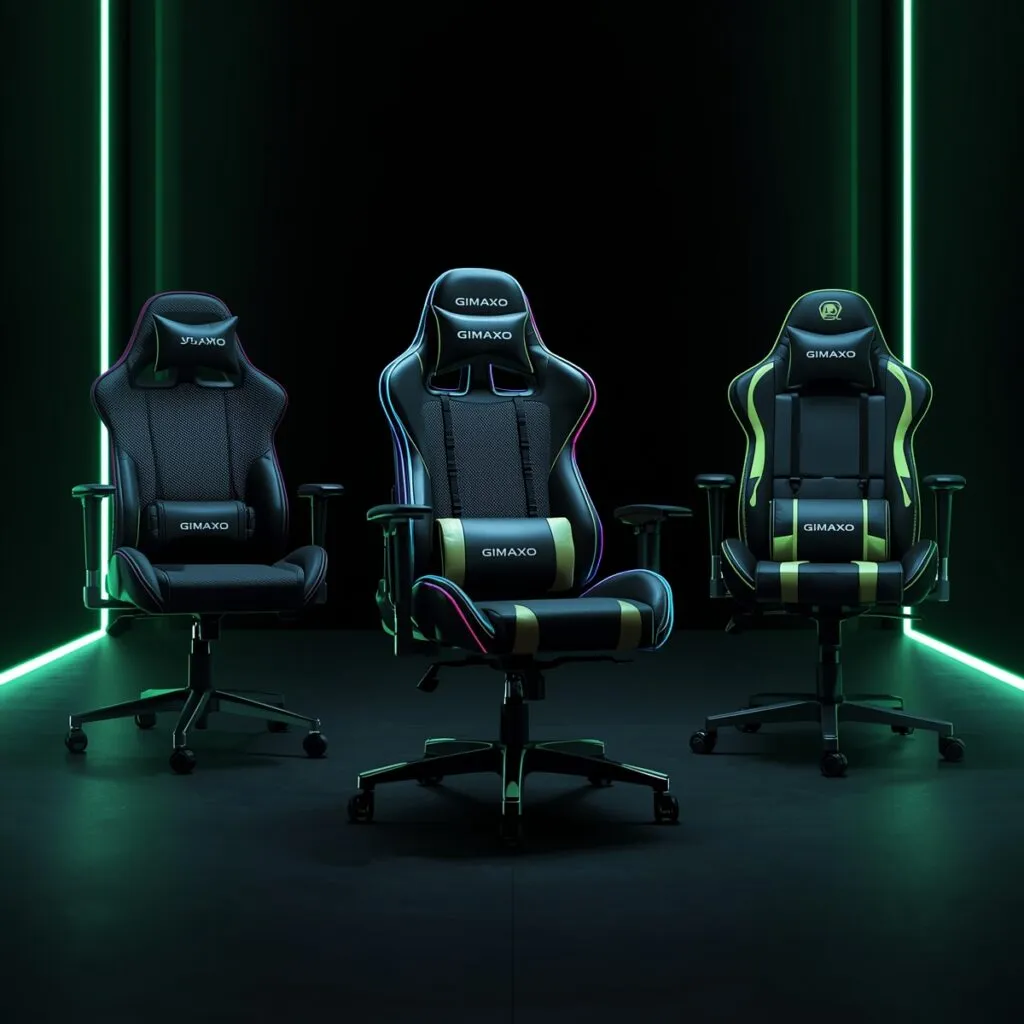
Illustration of generic chairs. No chair was tested for this guide, and the image does not show a product reviewed by Gimaxo.
Choosing a chair for long sessions comes down to what you can adjust and whether the adjustments fit your body. This guide is for you if you are comparing chairs and want criteria you can check on a product page. It uses guidance written for computer workstations in general. Those pages do not compare gaming chairs with office chairs, and neither does this guide.
For how the chair fits with your desk and screen, see our gaming desk setup guide. For the wider picture of gear, see our gaming gear guide.
What to check, one part at a time
OSHA lists four parts of a chair: backrest, seat, armrests and base. It says to adjust the chair together with the monitor, keyboard and desk. It also says to try out different chairs before you buy.
Backrest
OSHA says the backrest should follow the natural curve of your spine and give lumbar support. It lists what a good backrest has:
- a lumbar support whose height you can adjust;
- a recline of at least 15 degrees from the vertical;
- a lock, or tension control, so the backrest resists movement;
- a way to move the backrest forward and back, so shorter and taller users can both sit against it. OSHA notes that some chairs do this by moving the seat pan.
Seat
OSHA says the seat should be height adjustable, especially when several people use the chair. The height is right when the whole sole of your foot rests on the floor and the back of your knee sits slightly higher than the seat. If the seat cannot go lower, OSHA suggests a footrest. It also lists a padded seat with a rounded edge, wide enough for your hips.
Depth matters too. OSHA says the seat should support most of your thigh without the front edge touching the back of your knee. The HSE gives a gap of 2 to 3 cm in its good-posture guidance for people who work at display screen equipment. It measures the gap between the front of the seat bottom and the back of the knee.
Armrests
OSHA says armrests are optional, and that using them is up to you. If you have them, they should be adjustable, soft and rounded, so your shoulders stay relaxed and your upper arms stay close to your body. OSHA adds that armrests you cannot adjust, or that get in the way of your workstation, should be removed or left unused.
Base
OSHA says the chair should have a strong five-leg base, and casters suited to your type of flooring.
Reading a spec sheet
Product pages often use their own names for features. OSHA and the HSE do not define terms such as “4D armrests”, so ask what each adjustment moves and how far. A recline angle on its own does not tell you whether the backrest locks or has tension control, and OSHA names both.
A maker’s weight rating belongs to that maker’s chair, so read it on the maker’s page. Materials, durability and warranty terms are not covered by OSHA or the HSE, and this guide does not judge them.
Who it suits, and when to skip it
This guide suits you if you want a checklist for comparing chairs. It does not replace sitting in a chair, and it makes no medical claims. If you have pain, talk to a health professional.
Skip a chair whose page names features but not what they adjust. Skip armrests you cannot adjust if they stop you sitting close to the desk. If you cannot try a chair, look for one with a good return policy.
What this guide does not cover
- Brands, models, prices and rankings.
- Materials, build quality, durability and weight ratings.
- Medical advice, and any claim about performance in games.
- Changes to OSHA or HSE guidance after November 6, 2026.