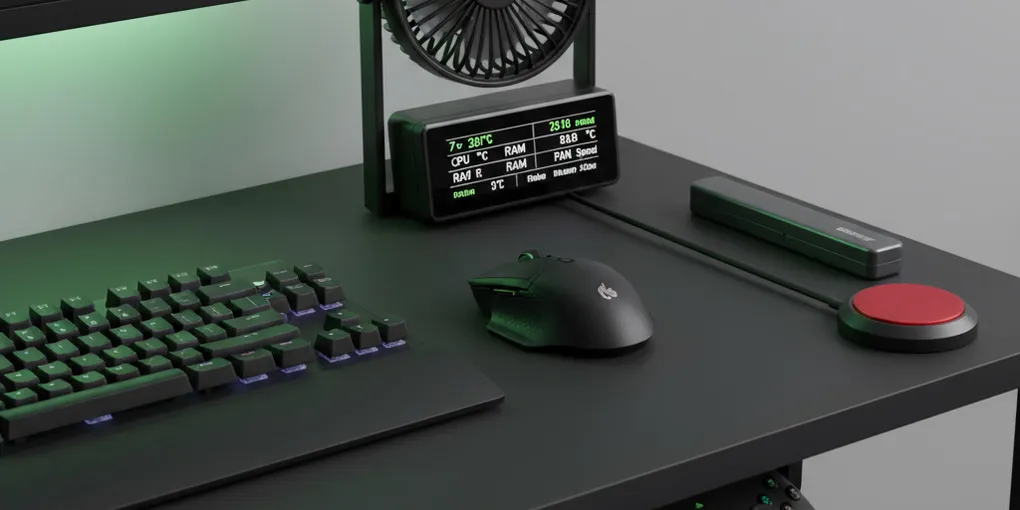
Look, gaming without emptying your wallet… It’s a whole art form, right? Whether you’re the type of player who sweats during competitive tournaments (yeah, it really happens) or just someone who streams occasionally for their three friends—these cheap upgrades can really, REALLY change your experience. We’re talking under 50 bucks here. No need to mortgage the house.
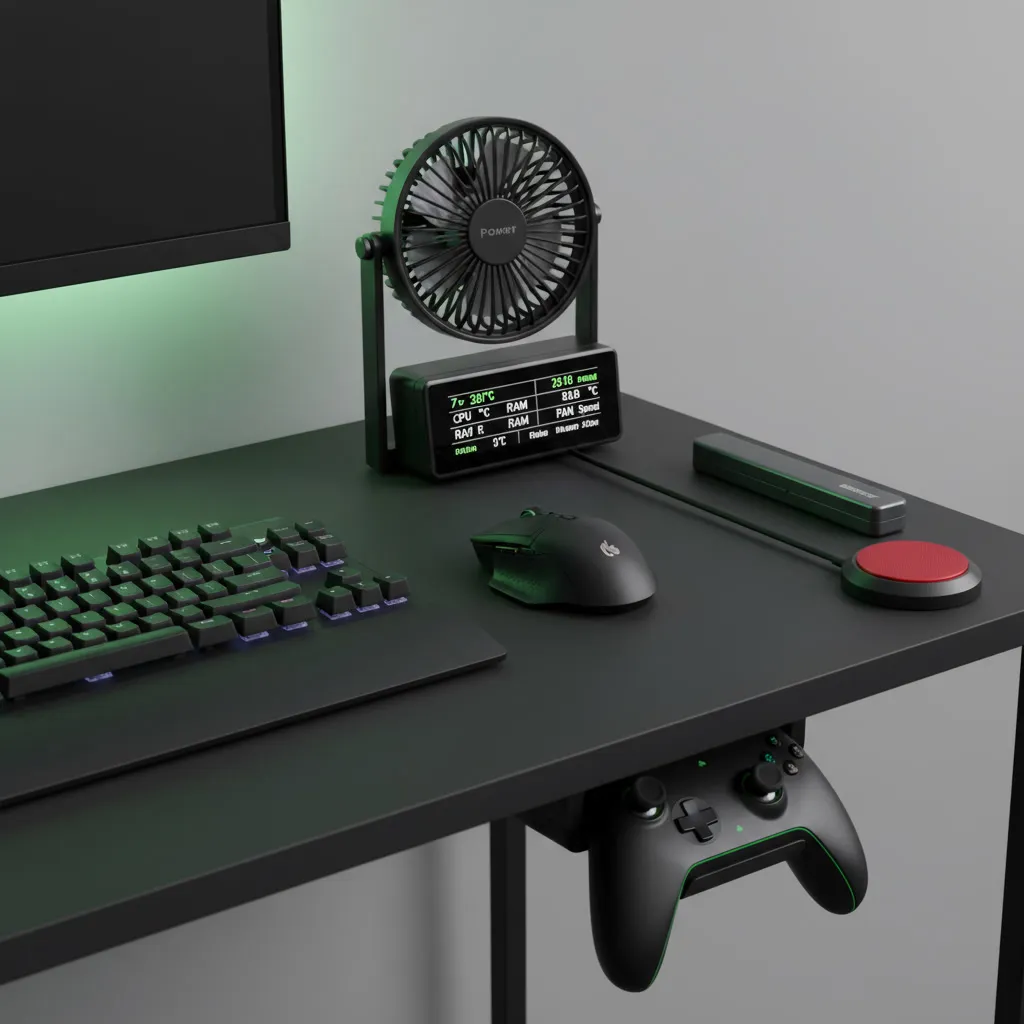
This little screen makes all the difference (or does it?)
The HM TE-7: a weird but genius thing, okay, so. monitoring your PC’s
performance, it used to be complicated. The HM TE-7 is like… a mini 7-inch screen (IPS, they say) made specifically to display your hardware info. Unlike traditional panels that you literally have to install INSIDE your case (what a hassle, by the way), this one just sits on your desk peacefully.
It has a little built-in adjustable stand. Pretty handy! To install it, you plug in two cables: one HDMI to your graphics card and one micro USB for power. Now, this is where it gets interesting: lots of people replace these cables with slimmer right-angle versions because, well… minimalist aesthetics and all that.
Setup: Windows + AIDA64. The software has a free trial period (afterwards you have to pay, but it’s really not that bad). The AIDA64 forums? A goldmine of pre-made designs. You don’t even have to create your own layout, which, honestly… phew, saves time.
What’s cool too is that streamers can use it for tons of other stuff: monitoring chat, seeing how many subscribers they have (the stress), and displaying anything that doesn’t justify a complete second screen.
Small downside: Despite the “IPS” marketing, the colors shift weirdly when you look at it from above or below. It’s… disappointing? But hey, for 50 bucks we’re not going to complain either.
A USB fan—no seriously, hear me out.
The smart devil: your new gaming best friend
Sweaty hands. NOBODY talks about this enough, but it’s a REAL problem when you’re playing for hours. This little USB fan (the Smart Devil) solves that—and also the fact that your gaming space literally becomes a sauna in summer.
Position it strategically: it cools your mouse hand PLUS yourself. It’s like… a mini personal AC but takes zero space. I remember a 6-hour session last summer (Elden Ring, don’t judge), and my hands were sliding everywhere on my mouse. Horrible.
The benefits go beyond basic comfort: Dry hands = better mouse control = better gameplay. Your mousepad stays cleaner longer too—with fewer frequent washes, your equipment lasts longer.
The angle adjusts, there are speed controls (nobody ever uses maximum mode anyway), and the USB design means you can plug it into your tower OR directly into your monitor’s USB port for perfect cable management. Four color options are available—matches pretty much any setup.
When you’re not using it? Compact enough to store anywhere. Honestly, it’s one of those purchases where you think, “Why didn’t I get this sooner?”
Where do I even PUT these controllers?
Invisible storage that actually works
Console controllers on PC… It’s a weird situation. You need them for certain games (fighting games, platformers, driving—the list goes on), but WHERE do you put them in a minimalist setup? Generic mounts are bulky, ugly, and ruin the whole vibe you’ve carefully created.
Solution: ultra-thin adhesive holders that mount under your desk. UNDER. As in—invisible. They use this groove system that grabs the joysticks and keeps everything secure but completely hidden from view. Peel-and-stick installation works on any flat surface.
Works with PS4, PS5, Xbox, and Nintendo Switch controllers. All the major players are covered. Your desk stays clean, and controllers stay accessible. It’s… kind of perfect actually? (Okay, I’m gushing but it really solved a problem I’d been ignoring for months.)
An external power button—because why should turning on your PC be hard?
The DKE switch: mechanical satisfaction meets practicality.
Picture this: your PC is mounted on the wall or tucked in some corner because of cable management or just… positioned weirdly. Reaching the power button becomes this whole THING every morning. The DKE external power switch fixes that—and it’s got this satisfying mechanical click (probably blue switches based on the feedback) that makes turning on your PC feel… special?
Available in black or white with customizable keycaps. Connects straight to your motherboard’s JFP1 connector. The cable is 2 meters long, which—trust me—is enough for most setups, even if you want to run it through walls or desk grommets for that ultra-clean look.
Installation is flexible: you can replace your case’s power button entirely OR use the included splitter so both work. The magnetic base sticks to any metal surface, or use the magnetic adhesive for non-metal mounting.
This is ESPECIALLY great if your PC is wall-mounted (Instagram-worthy setups, anyone?), if your tower’s far from your desk, or if you just want that tactile satisfaction every time you boot up. Small upgrade, big impact on daily routine.
The screwdriver set you didn’t know you desperately needed
HOTO precision: because cheap tools are expensive in the long run
Not technically a gaming peripheral, but—stay with me—if you build PCs or tinker with your setup AT ALL, you need proper tools. The HOTO Precision electric screwdriver set addresses that annoying thing where budget alternatives die after, like, six months of regular use.
The kit comes with magnetically attached bits stored in an all-in-one case. No more cylindrical tubes where bits get lost in the void of your drawer (we’ve all been there). The motor’s actually reliable—unlike cheaper versions that just… give up on life.
Real-world usage: PC builds, obviously, but also keyboard maintenance, peripheral repairs, and random household fixes that suddenly need doing. The magnetic storage keeps everything together, though honestly an extension would help reach tight spaces better.
For people who actually maintain their systems regularly? This is one of those “buy once, cry once” situations. Stop replacing garbage tools every few months and just invest in something decent.
Budget doesn’t mean compromise (except when it does).
Upgrading your setup doesn’t require selling a kidney. These five additions—they address real problems, not imaginary ones. The sensor monitor benefits people who actually CARE about monitoring (if you don’t check temps or usage, skip it). The desk fan transforms comfort in warm environments—life-changing if you live somewhere hot. Controller storage matters most to minimalist setups where clutter is the enemy.