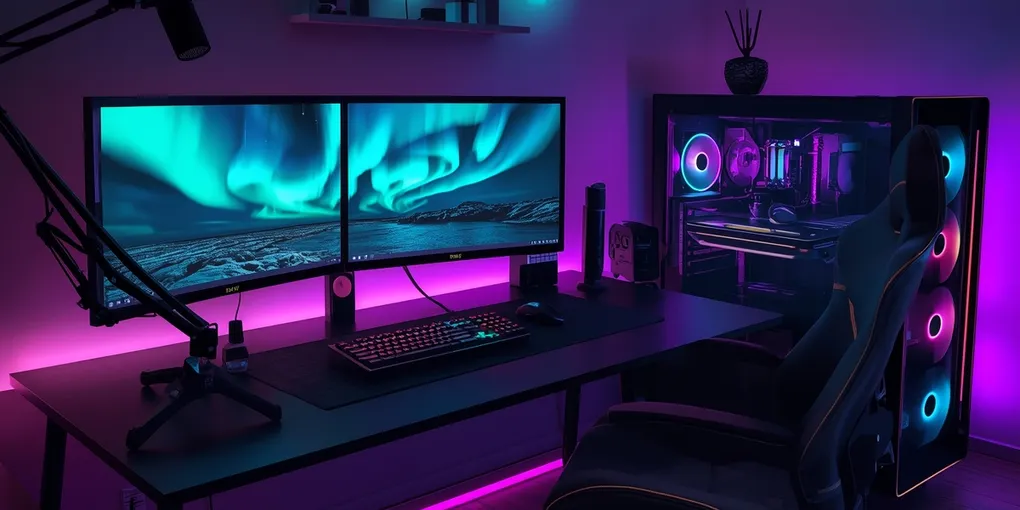
Gaming room setup guide : how to build a high-performance gaming space
Look, I’ve been around gaming setups for years now—and honestly? 2025 has brought something different to the table. We’re not just talking about slapping a monitor on any old desk and calling it a day (though let’s be real, we’ve all started there). The gaming spaces I’m seeing now… they’re like, they blend function with this almost artistic quality that makes you actually want to spend time there. Whether you’re grinding ranked matches at 2 AM, streaming to maybe twelve viewers (hey, everyone starts somewhere), or just vibing through a single-player campaign on weekends, your space should feel like yours—not some cookie-cutter setup from a catalog.
Essential gaming room foundation: building your base setup
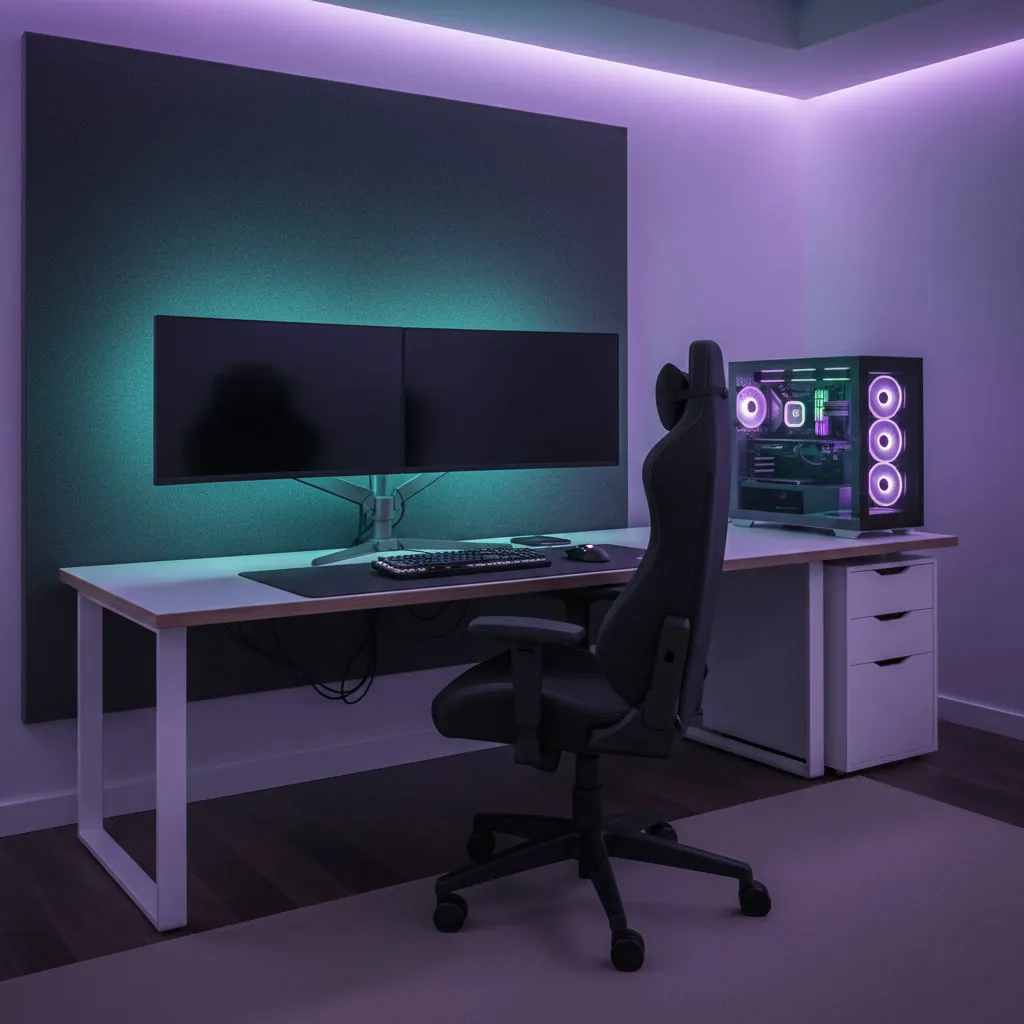
Here’s the thing about foundations—you can’t skip them. I learned this the hard way when my first “gaming room” was basically a folding table and a lawn chair. Not my finest moment.
Desk selection and positioning
Your desk is… it’s basically mission control, right? In 2025, L-shaped and corner configurations are everywhere—and for good reason. They give you room to breathe, space for multiple screens, all your peripherals, and maybe that coffee mug you forgot about three days ago (just me?). What you’re looking for: built-in cable management (this is NON-NEGOTIABLE), construction that won’t wobble when you’re in the heat of battle—we’re talking 200+ pound capacity minimum—and surfaces that resist scratches because let’s face it, accidents happen.
Position it perpendicular to windows if you can. Trust me on this one. Glare is the silent killer of good gameplay, but you still want that natural light for your mental health. Standing desks with motorized adjustment? They’re not just hype anymore. When you’ve been sitting for six hours straight and your lower back starts screaming… Yeah, you’ll understand.
The gaming chair investment
Okay, controversial take: your chair matters MORE than your graphics card. There, I said it. You can have the most powerful rig in the world, but if you’re sitting on something that makes your spine feel like a pretzel after an hour, what’s the point?
Ergonomic chairs with proper lumbar support, adjustable armrests (and I mean truly adjustable, not just up and down), and breathable materials that don’t turn into a sweat factory… these are essentials. Premium options now? They’ve got massage functions and heating; some even have sensors that literally vibrate when you slouch. It’s wild. And here’s another hot take: Skip the “gaming” racing chair aesthetic if it doesn’t fit your vibe. Professional office chairs often blow them out of the water comfort-wise, minus the aggressive branding.
Display technology choices
Monitors in 2025… chef’s kiss. The options are almost overwhelming. For competitive stuff, and I mean if you’re serious about it—you want 240 Hz minimum, 1 ms response. But for immersion (single-player campaigns, sim racing where you want to feel like you’re actually there), curved ultrawides between 34 and 49 inches create this wraparound experience that’s hard to describe until you’ve tried it.
A lot of gamers now run dual setups: one high-refresh beast for gaming and a secondary 4K for content creation or managing their stream chat. OLED technology has dropped in price significantly. Those perfect blacks and the color vibrancy are great, though you still need to be careful with burn-in if you’re running static HUDs for hours. Ask me how I know (hint: there’s a faint health bar permanently etched into my old panel).
Advanced gaming room elements: elevating your experience
So your foundation’s solid—congrats. But this is where things get interesting. Where a functional space transforms into something that actually enhances how you play and creates an environment you’re proud to show off.
Lighting design and ambiance
Lighting is… it’s magic, honestly. And I don’t mean that in a cheesy way. RGB bias lighting behind your monitors actually reduces eye strain by creating a buffer between your bright screen and dark walls. The science checks out. Smart LED strips that sync with your games? They flash red when you take damage, pulse with the music in rhythm games, match the on-screen colors… It’s immersive in a way that seems gimmicky until you experience it.
Overhead lighting needs to be dimmable on separate circuits if possible. Different activities need different moods, right? Color temperature is something most people ignore but shouldn’t; cooler lights (5000-6500K range) keep you alert during competitive sessions, while warmer tones (2700-3000K) help you relax for casual gaming. I usually switch between them depending on what I’m playing.
Acoustic treatment and sound management
Sound quality… man, it’s underrated. Proper audio gives you a competitive edge (hearing footsteps in FPS games) and creates immersion that visuals alone can’t match. Acoustic foam panels on your walls absorb those echoes. Your neighbors and family will thank you too, especially during late-night sessions when you forget an indoor voice exists.
Focus on first reflection points, basically where sound bounces between speakers and your ears. Bass traps in corners handle low-frequency buildup (that muddy bass that makes everything sound unclear). If you’re streaming, vocal booths or desk-mounted isolation shields are game-changers. Quality headphones with spatial audio, or if you’ve got the space and budget—a proper 5.1 surround system with a dedicated subwoofer for games designed around positional audio… that’s when gaming becomes an experience.
Cable management solutions
Professional setups have one thing in common: you can’t see the cables. Period. It’s like magic—where do they all go?? Cable raceways along walls and desk edges, Velcro straps instead of zip ties (easier to reconfigure later when you inevitably change things), cable sleeves that bundle multiple wires into manageable runs…
Mount power strips under your desk with adhesive brackets that are accessible but hidden. For the truly obsessed (no judgment, I’m halfway there myself), in-wall cable routing creates that ultra-clean aesthetic, though you’re committing hard at that point. Might need professional help unless you’re comfortable with drywall work.
Personalization and comfort features: making the space yours
This is where personality comes in, where your gaming room stops being “a” gaming room and becomes “your” gaming room. The details that make people go “whoa” when they see your setup.
Themed decoration and display
Your walls shouldn’t be bare. Display collectibles on floating shelves with LED backlighting—figures, limited editions, whatever you collect. Frame your favorite game art, posters, or even game cases with RGB lighting. Neon signs featuring game logos or custom phrases? They’re everywhere now, and they add atmosphere while serving as ambient lighting.
Pegboard walls are criminally underrated for displaying controllers, headsets, accessories… functional storage that looks intentional rather than cluttered.
Climate control and air quality
Gaming rigs generate HEAT. So do humans. Combined? Your room becomes a sauna fast. Strategic fans and upgraded HVAC vents—these aren’t luxuries; they’re necessities. Smart thermostats that adjust automatically based on occupancy are worth every penny.
Air purifiers with HEPA filters maintain air quality during marathon sessions. And plants—snake plants or pothos work great—they filter air naturally while adding life to the space. Just… keep them away from electronics. Water and circuits don’t mix (another hard-learned lesson).
Comfort amenities and convenience
Small things, big impact. Mini-fridges within arm’s reach so you’re not missing crucial moments for drinks. Dedicated snack storage that keeps crumbs away from expensive keyboards. A shelf beside your chair for controllers, remotes, and phones keeps everything accessible without creating clutter.
Footrests improve posture and circulation (your legs will thank you). Blankets for those 3 AM sessions when the house gets cold but you’re too invested to stop. Streamers—get a small mirror to check your appearance before going live; it saves embarrassing moments.
Storage and organization systems
Efficient storage prevents the chaos that undermines even the best-designed spaces. Drawer systems under desks, headset stands that double as RGB displays, controller charging stations—everything needs a home.
When items have designated places, maintenance becomes automatic rather than a weekend project you keep postponing.
Future-Proofing your 2025 gaming room
Technology moves fast—ridiculously fast. Your room should evolve without requiring complete teardowns. Install more outlets than you think you need, strategically distributed. Cat6 or Cat8 Ethernet cables (WiFi is great until it isn’t), router placement that maximizes coverage…
Modular furniture adapts as needs change. Cable pathways for adding equipment later. Leave expansion space; that second monitor you don’t need today might be essential next year.
Budget for incremental upgrades rather than one massive investment. Let your room grow with technology and your preferences.
Your perfect 2025 gaming space is a balance. Aesthetics, functionality, and personal expression. Start with foundations (desk, chair, display), layer in advanced elements (lighting, acoustics), then personalize with decorations and comfort features that make it unmistakably yours.
Whether building from scratch or upgrading, thoughtful planning creates an environment that enhances every session while inspiring you each time you walk in. The best gaming room isn’t the most expensive; it’s the one that perfectly suits your needs, your style, and your gaming ambitions. That’s what matters.