If you’re serious about your audio interface for streaming, your mic is only half the equation. I’ve literally walked into setups where people dropped $200+ on a microphone and then… plugged it straight into their motherboard’s audio port. The pain is real.
An audio interface isn’t a luxury anymore it’s the foundation of any professional** streaming setup guide**. Still rocking onboard audio in 2026? We need to talk.
What an audio interface for streaming actually does
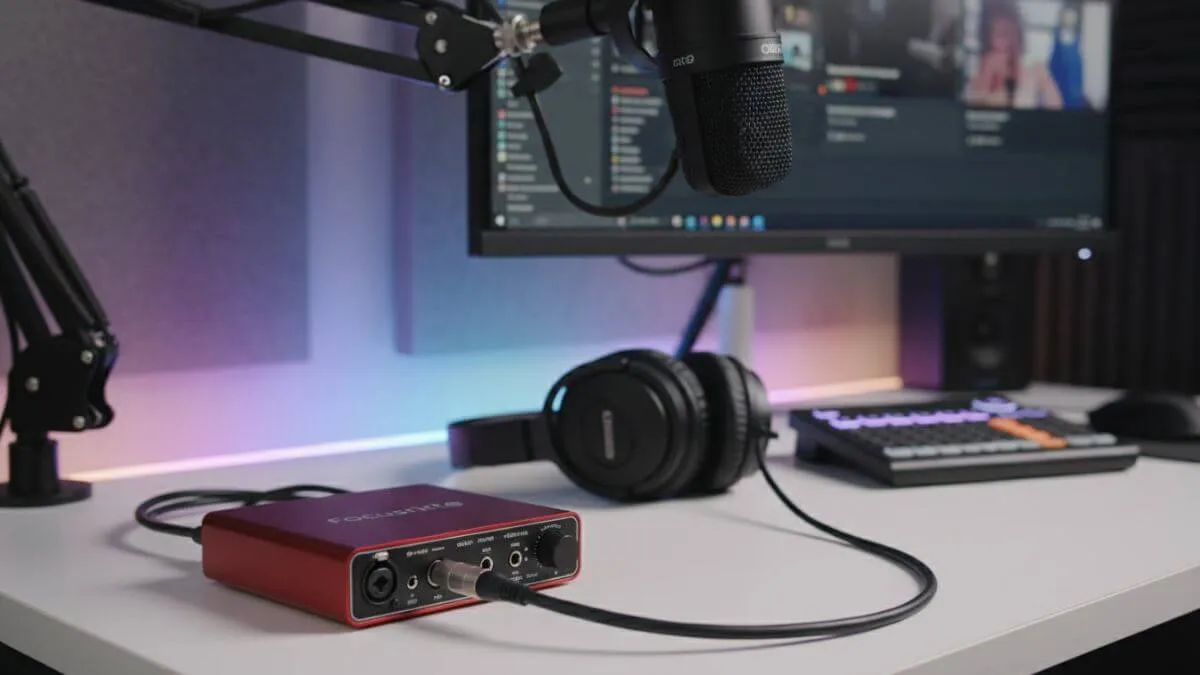
Example of an audio interface connected to a microphone in a professional streaming setup
Think of an audio interface for streaming as an external sound card that went to the gym, got a degree, and came back ready to dominate. It’s the bridge connecting your professional mics, instruments, and audio gear to your computer like a translator fluent in both analog (your microphone’s language) and digital (what your PC understands).
Why your streaming audio setup is incomplete without one
The tech that makes everything sound better
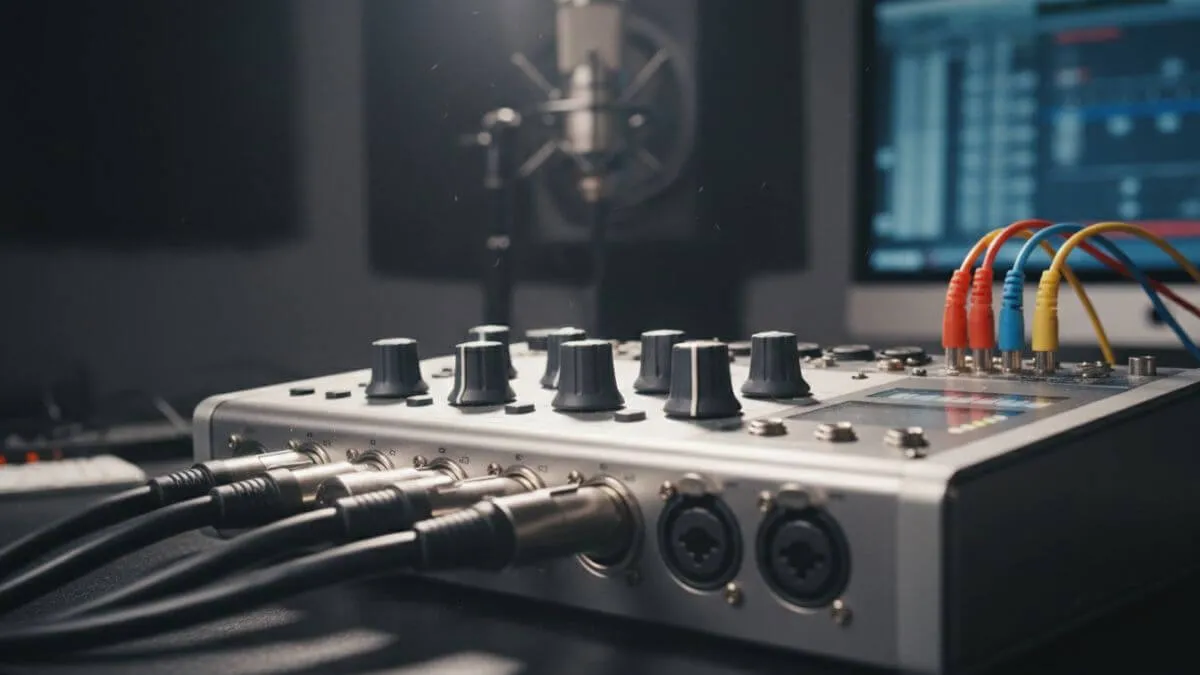
Audio interfaces take those analog signals from your microphone and convert them into digital data but not like your motherboard does it. We’re talking dedicated preamps that actually respect your voice, analog-to-digital converters that don’t sound like they were salvaged from a 1995 answering machine, and clean power delivery that won’t pick up that weird electrical whine when your GPU flexes during a boss fight.
Modern interfaces hit sample rates up to 192kHz and bit depths of 24-bit or even 32-bit float. For your streaming audio setup, this translates directly into professional-quality audio that makes your content immediately stand out. Viewers notice even when they can’t articulate why it sounds better, they just know it does.
The motherboard audio problem (it’s worse than you think)
Your motherboard’s built-in audio is crammed in there with your GPU, CPU, RAM, and every other component busy generating electrical interference. That interference shows up as hiss, buzz, or that maddening whine that changes pitch when you move your mouse. I wish I was exaggerating.
Worse motherboard audio inputs can’t properly power XLR microphones. You’re locked into USB mics or gaming headsets, which severely limits your upgrade path. The preamps are, let’s be diplomatic, optimized for cost rather than quality.
Best audio interface for gaming: which type fits your setup?
Entry-Level: for solo streamers
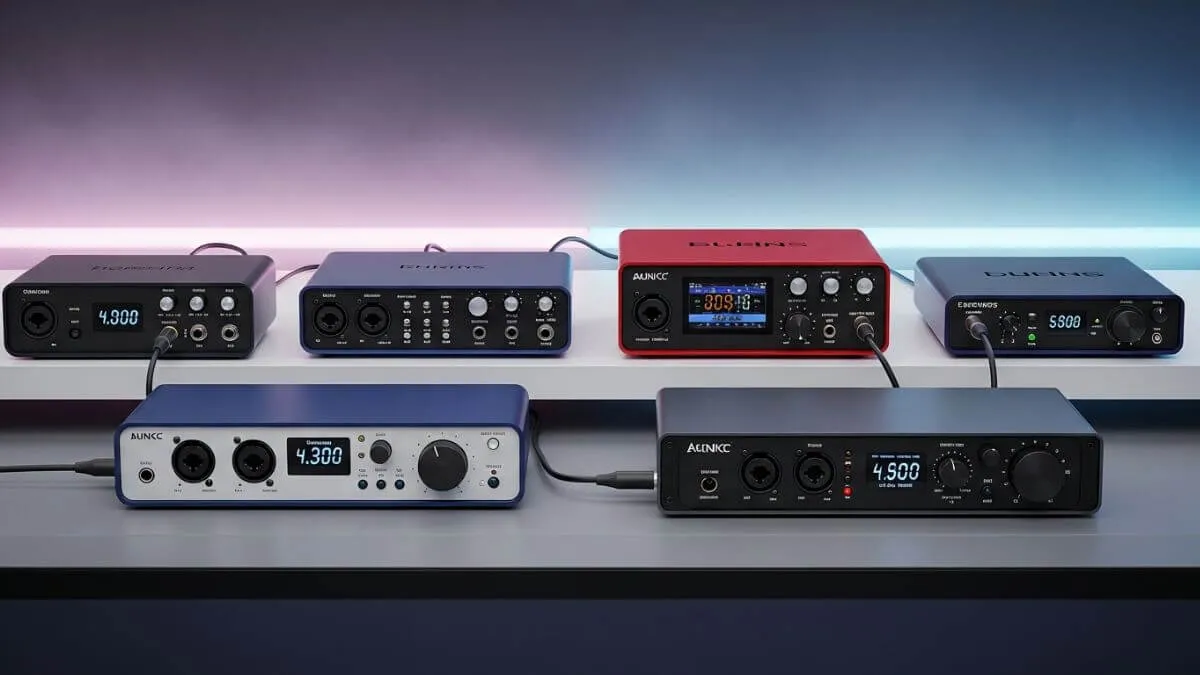
Different types of audio interfaces for streaming, from beginner to professional level
The best audio interface for streaming at entry level your Focusrite Scarlett Solo, PreSonus AudioBox USB 96 typically offers one or two XLR inputs with phantom power for condenser mics. Perfect for streamers who need their own microphone and maybe one extra input for an occasional guest.
These options ($100–150) deliver massive improvements over motherboard audio. Plug-and-play on most systems, minimal setup fuss, clean preamps, solid converters, and a dedicated headphone output with independent volume control surprisingly crucial for monitoring yourself properly during live streams.
Mid-Tier: the sweet spot for most streamers
Mid-range options like the Focusrite Scarlett 2i2 or MOTU M2 elevate your streaming audio setup with superior preamps, reduced latency, and more robust construction. At $150–250, you’re getting better metering, zero-latency direct monitoring, and sometimes MIDI connectivity for controlling your streaming software.
This is where most gaming streamers should land. Professional-tier audio quality without demolishing your budget and these interfaces will grow with your channel.
Professional: when you’ve made it
High-end interfaces like the Universal Audio Apollo Twin or RME Babyface Pro FS serve professional studios and content creators running complex operations. At $500–1000+, you’re paying for pristine audio, extensive routing options, and DSP processing that handles effects in real-time without your CPU breaking a sweat.
For gaming streamers, these make sense when producing podcast-style content with multiple simultaneous guests, recording music between gaming sessions, or managing genuinely complex streaming audio setups. Overkill for solo gameplay but legitimately unmatched when you need it.
Features that actually matter when choosing an audio interface for streaming
Input types and phantom power
XLR inputs with phantom power (+48V) are non-negotiable if you’re running condenser microphones which you probably should be for streaming. Think carefully about how many inputs you need now versus where you’re headed. Solo streamers rarely need more than two XLR inputs, but if you’re planning podcast-style content with guests, buying a single-input interface now means replacing the whole unit later.
Preamp quality: where cheap interfaces die
Preamps amplify your mic’s whisper-quiet signal to usable levels. Quality preamps provide clean gain without injecting noise. The Scarlett series has earned its reputation for clean preamps with sufficient gain even for notoriously gain-hungry dynamic mics like the Shure SM7B. Cheap interfaces struggle here, forcing you to boost digitally in software which amplifies noise right alongside your voice. A good** webcam **is also essential for a professional stream.
Sample rate and bit depth
For streaming, 48kHz at 24-bit is the professional standard. Jumping to 96kHz or 192kHz mostly benefits music production. Some newer interfaces offer 32-bit float recording, which makes clipping essentially impossible a luxury feature, not essential for most streaming audio setups.
Latency and direct monitoring
Latency the delay between speaking into your mic and hearing yourself in headphones becomes incredibly distracting even at just 20–30 milliseconds during live streams. Quality audio interfaces for streaming offer direct monitoring, routing your mic signal straight to your headphones without passing through your computer, eliminating latency completely.
When you hear yourself with a delay, you unconsciously adjust your speaking rhythm to compensate and it sounds genuinely weird to viewers even if they can’t pinpoint why.
Build quality and connection standards
Metal chassis interfaces outlast plastic ones. You’ll be constantly plugging cables in and out during every stream solid build quality translates directly to longevity. USB-C has become the standard connection for new interfaces, offering superior power delivery and faster data transfer. Make sure your interface is class-compliant (works without proprietary drivers) for maximum system compatibility.
Setting up your streaming audio setup properly
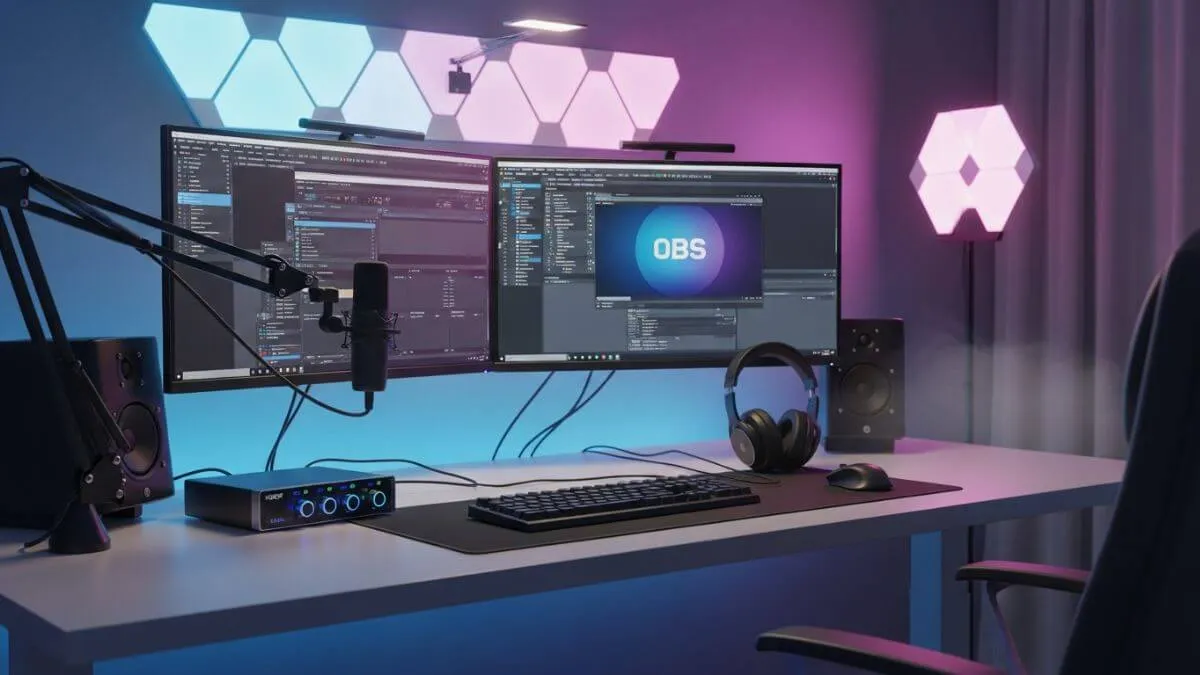
Example of a complete streaming setup using an audio interface, microphone, and OBS software
The connection chain
Your XLR microphone plugs into the interface’s XLR input. The interface connects to your computer via USB. Headphones plug into the interface’s headphone output. Many streamers run dual-audio setups: a gaming headset for game audio and Discord, and studio headphones connected to the interface for monitoring broadcast audio quality. This separation gives you complete control over what you hear versus what your audience hears.
Software configuration in OBS
In OBS or your streaming software, add your audio interface for streaming as an audio input device. Select the specific input channel your mic connects to typically Input 1 or 2. Set your sample rate to match the interface (usually 48kHz) and bit depth to 24-bit.
Apply noise gates and compression in your streaming software, not through Windows audio settings. OBS’s built-in audio filters work considerably better than Windows’ “automatic enhancements.” Start with a noise gate, add light compression to even out voice levels, and throw in a subtle EQ boost for clarity. If you’re streaming from console, you’ll need a capture card.
Common mistakes everyone makes initially
Gain staging: Set your interface gain so your voice peaks around -12dB to -6dB in OBS meters. Too quiet means you’re adding noise when boosting digitally later. Too loud causes clipping and there’s no fixing clipped audio in post.
Windows audio enhancements: Disable them entirely. Windows loves applying noise suppression and echo cancellation that degrades quality when you’re using professional audio gear. Your interface and streaming software handle everything better.
Software monitoring: Always use your interface’s direct monitoring feature. Software monitoring always introduces latency, even on powerful machines. Zero-latency direct monitoring solves this completely. Avoid these common streaming mistakes that hurt your growth.
Where audio interface technology is headed in 2026
USB-C and thunderbolt taking over
USB-C is now the universal connection standard for new interfaces, offering superior power delivery and faster data transfer. For gaming streamers, USB-C hits the performance sweet spot without requiring expensive Thunderbolt hardware. Thunderbolt 3 and 4 interfaces provide even lower latency, but only if your computer supports it.
DSP and real-time processing
Digital Signal Processing built directly into interfaces allows real-time compression, EQ, and reverb without touching your CPU. Universal Audio leads this space with their Apollo series, featuring vintage compressor and preamp emulations that professional studios have used for decades. For streamers, this means polished, radio-ready voice processing with zero impact on gaming performance.
Smarter software integration
Modern audio interfaces for streaming integrate deeply with streaming software through sophisticated companion apps. Focusrite’s Control, MOTU’s CueMix, RME’s TotalMix these provide powerful routing that lets you create entirely different audio mixes for your headphones, your stream, and your local recording, all independently configured.
Choosing the best audio interface for gaming: final recommendations
Beginners with a single condenser mic: The Focusrite Scarlett Solo or PreSonus AudioBox USB 96 deliver everything you need at entry-level prices. Reliable workhorses that will rarely disappoint.
Intermediate streamers adding a second mic or wanting better preamps: investigate the Scarlett 2i2, MOTU M2, or Audient EVO 4. Perceptibly better components that grow with your production quality.
Professional content creators producing podcasts, music, or managing complex multi-guest streaming audio setups: the Universal Audio Apollo Twin, RME Babyface Pro, or Antelope Audio Discrete 4 Synergy Core deliver broadcast-ready quality and professional workflows that casual streamers simply don’t need yet.
Your audio interface for gaming is non-negotiable
The right audio interface for streaming transforms your gaming content from amateur-sounding to professional-grade providing clean, powerful audio that makes viewers want to stick around longer. Your voice is how you connect with your audience, and making it sound its absolute best isn’t optional if you’re serious about content creation. To build a complete setup, check our full streaming setup guide.
Building a proper streaming audio setup pays immediate dividends through dramatically better audio quality, more reliable performance during crucial streams, and professional features that expand your creative possibilities. Because in 2026, sounding good isn’t a luxury anymore it’s the baseline expectation from audiences who have plenty of other options competing for their attention.