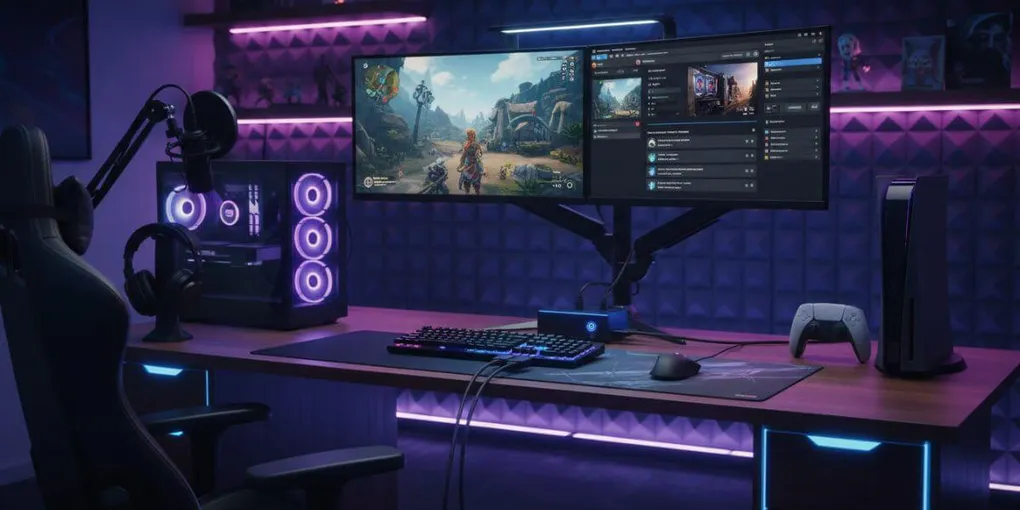
If you’re serious about gaming content, selecting the best capture card for gaming is essential at this stage. Whether you’re streaming to five people or fifty thousand or just want to save those insane clutch moments, you need to understand what these devices actually do. Trust me on this topic.
If you’re building your full streaming setup, make sure to check our complete streaming setup guide to understand how capture cards fit into your overall gear.
What Are the Best Capture Cards for Gaming and Why Do You Need One?
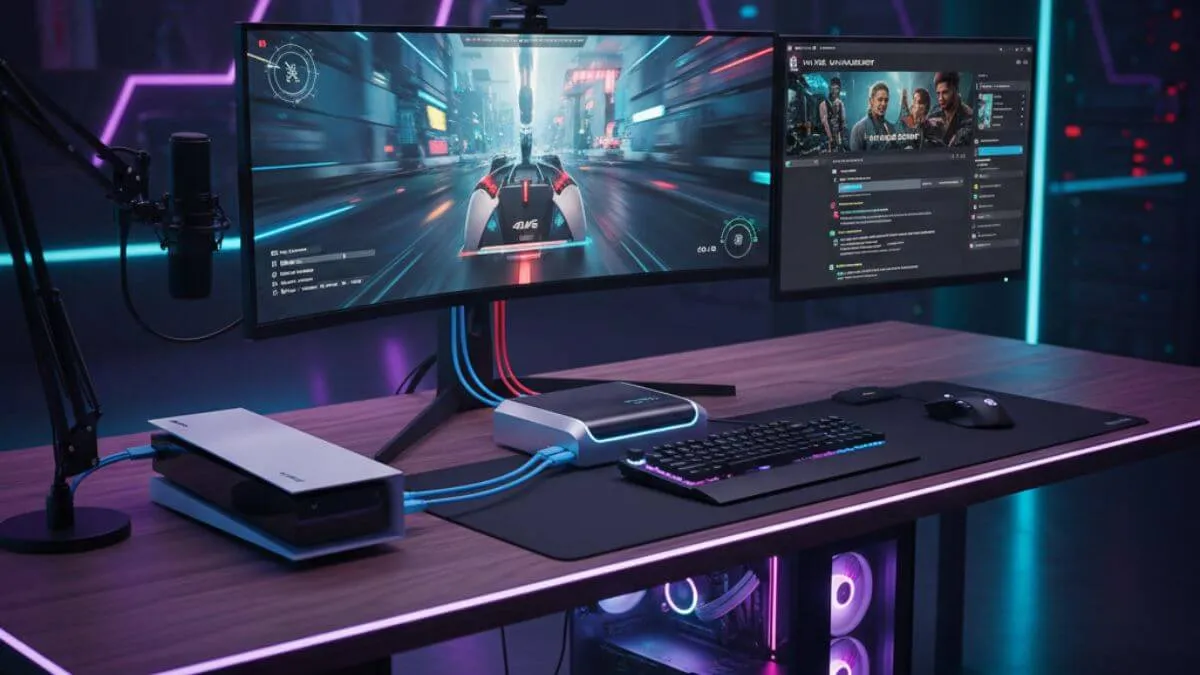
A capture card is a specialized piece of hardware that grabs video and audio from your console or gaming rig and sends it to another computer for recording or broadcasting. Think of it as a translator between your gaming setup and your content creation world.
How the Best Gaming Capture Cards Actually Work
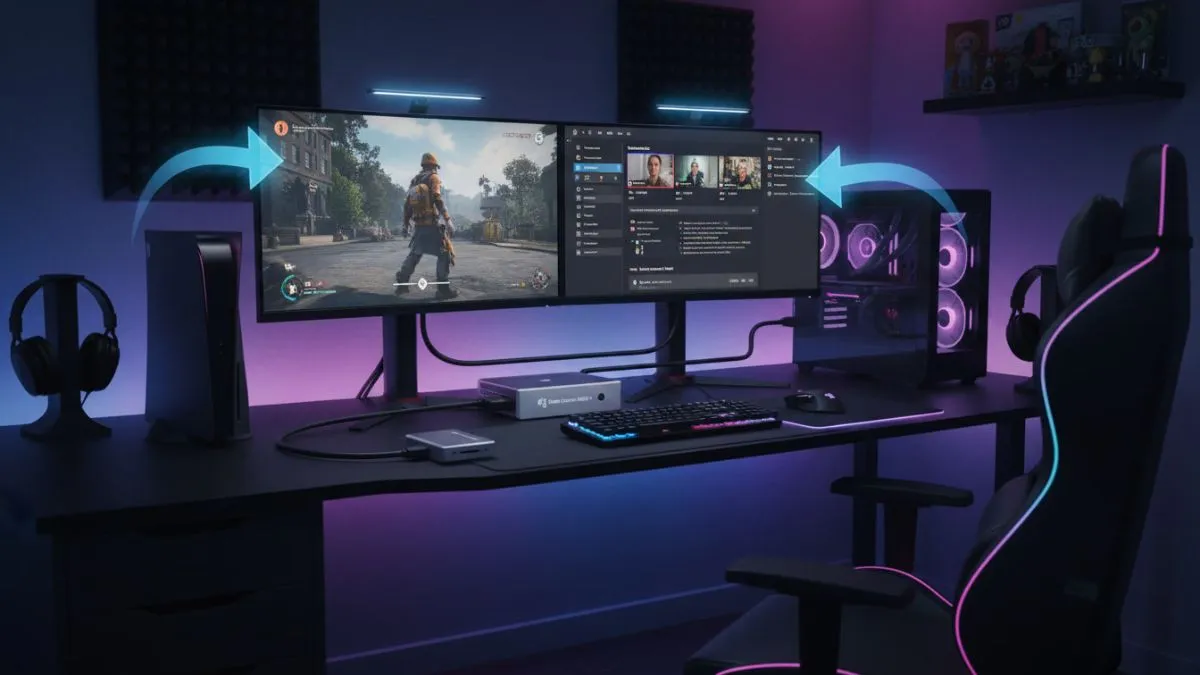
Here’s what happens: capture cards intercept your HDMI signal right from your gaming device. The thing sits between your console (or gaming PC) and your monitor, snagging that video feed in real-time. Which means, and this is crucial, that you can record at really high quality without your game turning into a slideshow, because all that heavy lifting happens on different hardware entirely.
Modern ones? They’re handling 4K at 60fps, sometimes even 120fps now. Your content ends up looking exactly as smooth and crisp as what you’re actually seeing while playing. This matters a lot in fast-paced stuff, competitive shooters especially, and racing games too.
Why Your PC’s Built-in Recording Doesn’t Cut It
People always ask, “Can’t I just use OBS or something?” “And yes, technically, you can do this for PC gaming. But those software solutions absolutely devour your system resources. Your CPU and GPU are attempting to simultaneously handle gaming and video encoding, often leading to frame drops, stuttering, and other issues.
Console gamers? PlayStation and Xbox have limited recording features. Duration caps, quality restrictions, and customization are basically non-existent. You can’t stream to multiple platforms simultaneously, can’t add custom overlays, and can’t achieve anything close to professional-level production without one of the best capture cards for gaming. Period.
Internal vs External: Which Gaming Capture Card Is Best for You?
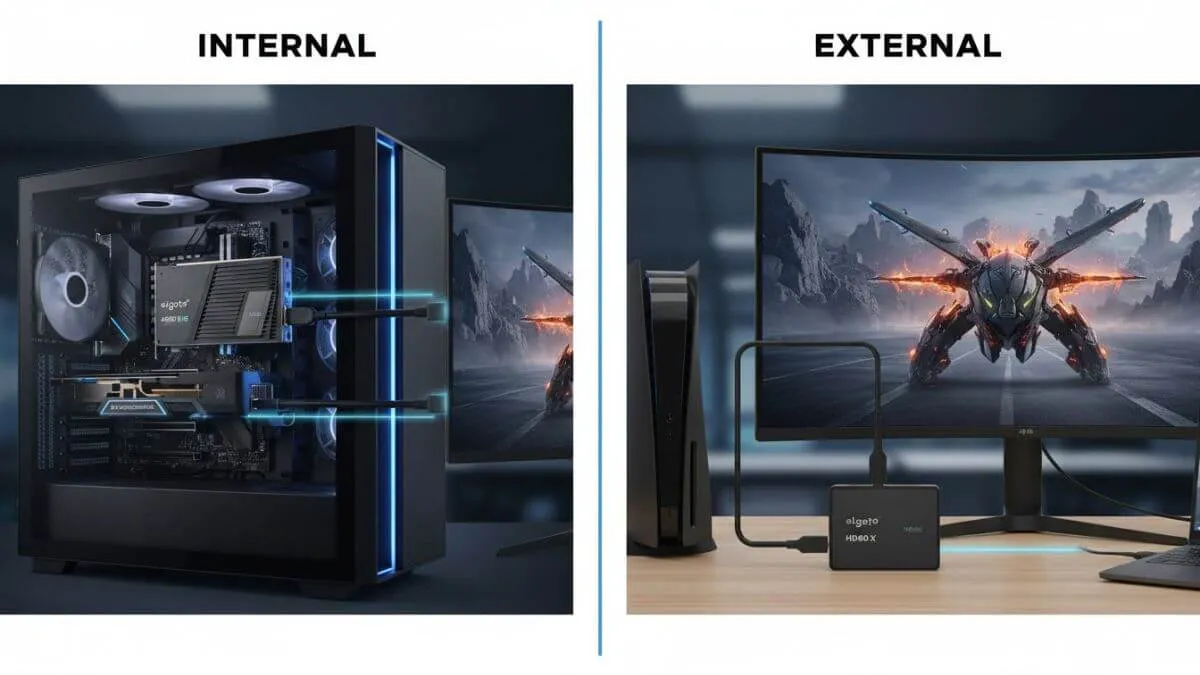
Best Internal Capture Cards for Gaming (The Power User Route)
Internal cards are PCIe devices you install directly into your motherboard. Models like the Elgato 4K Pro or the AVerMedia Live Gamer 4K are among the best capture cards for gaming at high resolutions, offering the absolute lowest latency and highest bandwidth available.
The advantages: no USB cables cluttering everything up, direct power from your system, and generally better performance when pushing the highest resolutions and frame rates. But you need a desktop PC with available PCIe slots. If you’re on a laptop, this option’s off the table.
Best External Capture Cards for Gaming (The Practical Choice)
External ones connect via USB 3.0 or USB-C. The Elgato HD60 S+ and AVerMedia Live Gamer Ultra are consistently ranked among the best capture cards for gaming because they’re basically plug-and-play.
Perfect for streamers using laptops, people who need portability for tournaments, or anyone who doesn’t want to mess around inside their PC case. The performance gap between external and internal has shrunk dramatically, though you might still hit USB bandwidth limitations at absolute maximum settings.
Key Features of the Best Capture Cards for Gaming
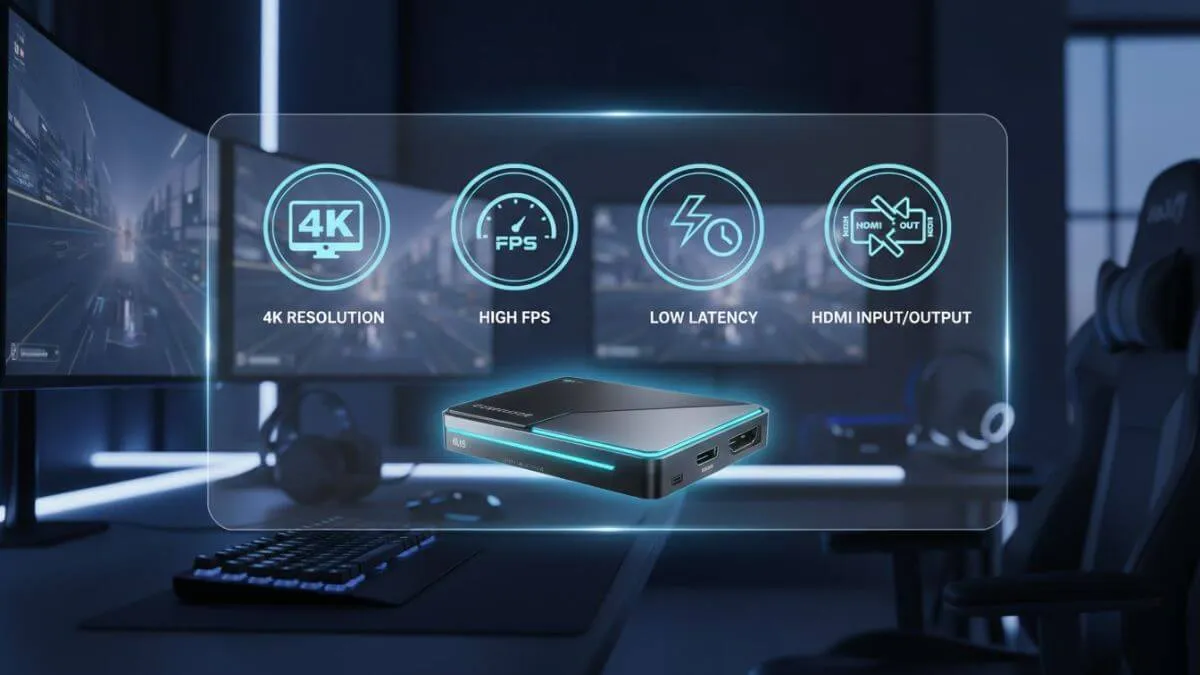
Capture card features including 4K resolution, high FPS, low latency, and HDMI connectivity
Resolution and Frame Rate
What resolution are you actually gaming at? Are you using a PS5 or Xbox Series X for your 4K gaming? You need a capture card that supports 4K input. Pay attention to “passthrough” specs versus “capture” specs. A card might do 4K60 passthrough but only 1080p60 capture, which is honestly fine for most streaming.
Zero-Lag Passthrough
The best gaming capture cards offer zero-lag passthrough, meaning your monitor gets the signal with no processing delay while capture happens on a separate pipeline. Essential for competitive play.
Hardware vs Software Encoding
Some of the best capture cards for gaming include built-in hardware encoding, taking the load off your CPU. Cards without it make your CPU do all the compression work, which requires more processing power but often provides better quality at the same bitrates.
Audio Management
The best capture cards for gaming let you separate game audio, chat audio, and microphone input into distinct channels. Invaluable when editing, you can adjust voice levels independently from gameplay sounds.
Setting Up Your Gaming Capture Card
Standard setup: gaming device → capture card input (HDMI) → passthrough → monitor, and then capture card → streaming PC (USB or PCIe). This setup ensures a smooth gaming experience, allowing you to play normally while the capture card records everything in the background.
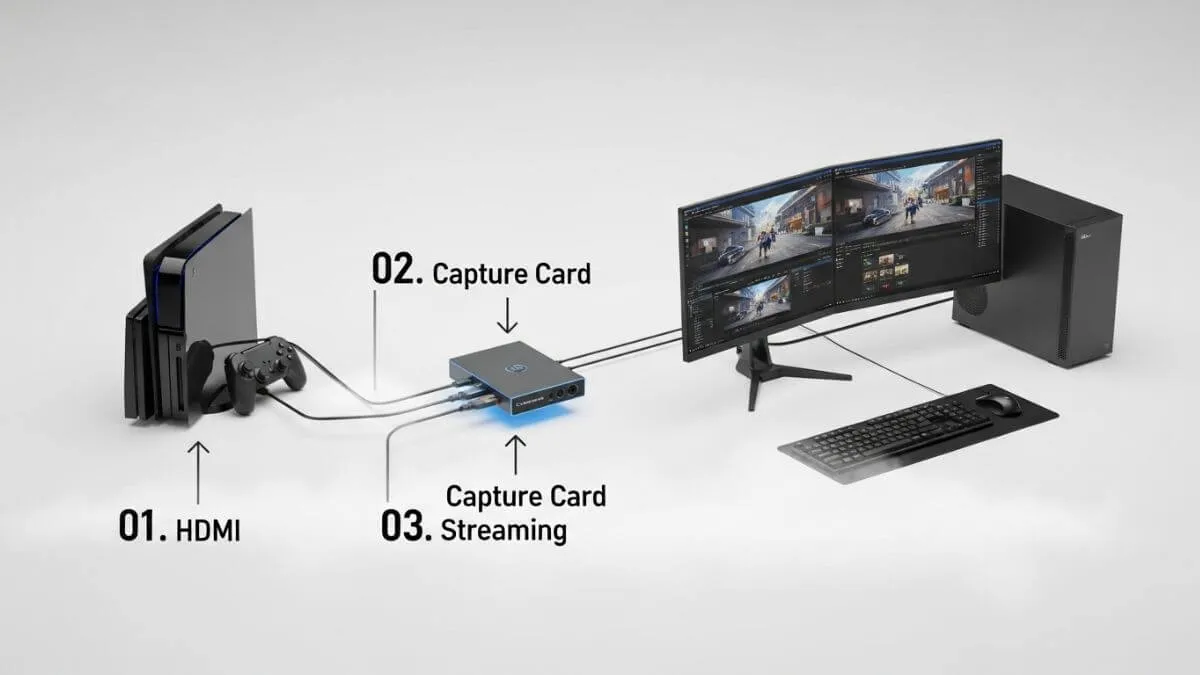
As shown in the diagram, a gaming capture card receives the HDMI signal from your console and sends it to your PC for recording or streaming.
Software Configuration
Most content creators prefer OBS Studio or** Streamlabs** over the bundled software. Add your capture card as a video capture device, then tweak resolution, frame rate, and color space. For most gaming content, YUV 4:2:0 hits the sweet spot between quality and performance.
Common Troubleshooting
Black screen? Usually it’s HDCP. Make sure HDCP is disabled in your console settings when capturing gameplay. USB bandwidth problems? Your capture card needs a dedicated USB 3.0 port, not one shared through a hub.
What’s Next for the Best Gaming Capture Cards?
4K 120Hz Support
The latest generation of best capture cards for gaming now supports 4K at 120Hz, matching what current-gen consoles and high-end PCs can output. The smoothness is genuinely impressive.
HDR Capture
HDR gaming is common now, but HDR capture and streaming still presents challenges. The newest cards support HDR passthrough and capture, though streaming HDR remains complicated due to limited platform support.
Cloud Integration
Some manufacturers are experimenting with cloud-based capture solutions. Gameplay gets captured and immediately uploaded to cloud storage. This reduces local storage requirements and enables collaboration between creators in different locations.
Choosing the Best Capture Card for Gaming: The Decision Matrix
Casual streamers and YouTubers gaming at 1080p or 1440p: mid-range external capture cards like the Elgato HD60 S+ offer exceptional value; they are simple to use, reliable, and more than adequate in quality for building an audience.
Competitive esports creators and professional streamers: high-end internal cards or premium external models with 4K support and hardware encoding are worthwhile investments when content creation is your livelihood. It’s a business expense.
Console gamers: simply match your console’s output. A 4K60 capture card handles both current and next-generation console gaming, making it future-proof.
Wrapping Up: The Best Capture Cards for Gaming Are Worth It
The best capture cards for gaming have gone from niche equipment to essential tools for the entire gaming community. Whether you’re streaming to build a community, recording tutorials, or documenting your competitive journey, a quality capture card elevates everything to a professional level.
The investment pays off through better video quality, improved workflow, and enhanced creative possibilities. As gaming pushes toward higher resolutions and frame rates, capture technology will evolve right alongside it.
Understanding what makes the best capture cards for gaming empowers you to make informed decisions about your setup and ultimately helps you produce the high-quality content that actually stands out in today’s competitive landscape.
To build a complete and professional streaming setup, read our full streaming setup guide, which covers all essential gear, from microphones to webcams.