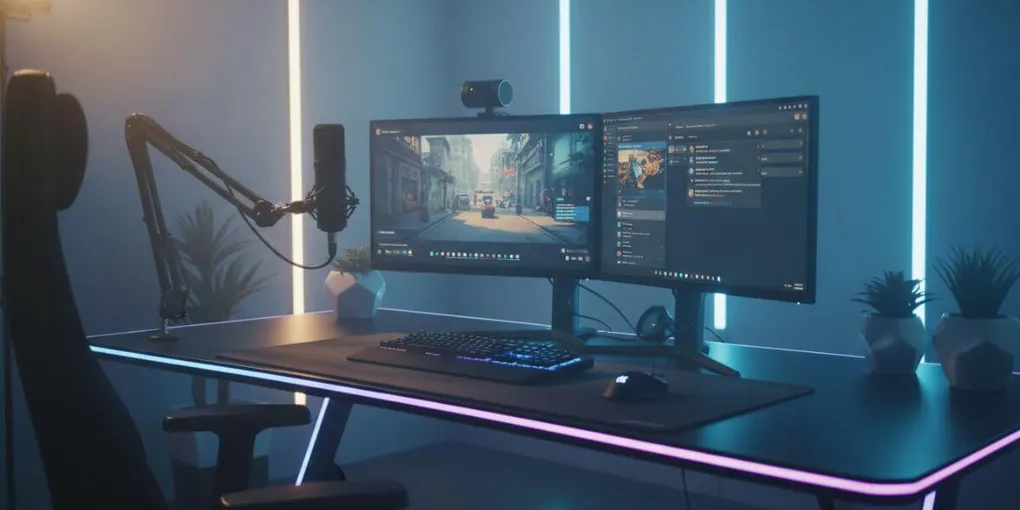
Best Streaming Setup Guide 2026: Equipment, Gear & Complete Beginner-to-Pro Breakdown
The only streaming equipment guide you need covering microphones, audio interfaces, capture cards, webcams, and the mistakes that silently kill channel growth.
Table of Contents
- What is a good streaming setup?
- Best microphone for streaming (2025)
- Audio interfaces do you actually need one?
- Best capture cards for gaming (2026)
- Best webcams for game streaming
- 13 mistakes that prevent channel growth
- Streaming gear by budget: complete build order
- FAQ streaming setup questions answered
Most streamers use tools like Streamlabs or OBS Studio to control their streaming setup, manage scenes, and broadcast to platforms like Twitch or YouTube.
What is a good streaming setup? (Beginner to Pro Guide)
A good live streaming setup isn’t the most expensive one it’s the one where no single piece of gear is embarrassing the rest. Bad audio kills a stream faster than anything else. 73% of viewers cite poor sound quality as their number one reason for leaving. You have roughly 8 seconds before someone decides to stay or bounce.
The most common mistake new streamers make is buying streaming equipment in the wrong order, or upgrading gear before fixing room acoustics, lighting, or encoding settings. This guide covers the full streaming gear hierarchy what to buy, when to buy it, and what to skip entirely.
Whether you’re building your first budget streaming setup or upgrading to a professional broadcast rig, the sections below cover every piece of streaming equipment you’ll realistically need.
Best microphone for streaming 2026
Focus: streaming microphone, best mic for streaming, USB microphone streaming
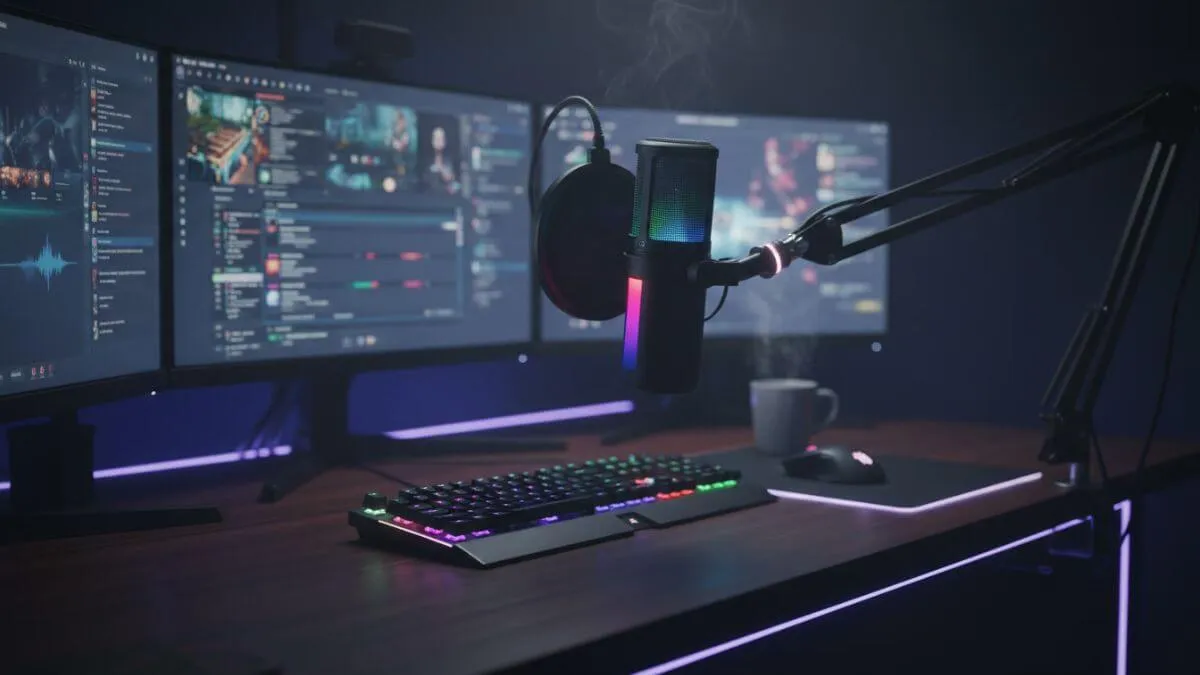
A professional streaming microphone setup with a boom arm and studio lighting.
The microphone is the highest-impact piece of streaming gear you can buy. It affects every single second of your broadcast, and viewers notice bad audio before they notice anything else about your setup.
The two decisions that matter most for streaming microphones:
USB vs. XLR. USB microphones connect directly to your computer no extra gear needed. XLR microphones require an audio interface but deliver noticeably better audio quality at equivalent price points. For beginners building a first streaming setup, USB is the right starting point. For anyone serious about audio quality, XLR is the direction of travel.
Dynamic vs. condenser. Condenser microphones are more sensitive and pick up more detail which sounds like a good thing until you realize they also pick up your keyboard, your fans, your air conditioning, and your roommates. Dynamic microphones reject that background noise naturally. For a typical home streaming environment, dynamic wins every time.
Best streaming microphones by budget:
- Under $70: a solid USB dynamic mic handles the basics without fuss
- $70–$150: the sweet spot for USB audio quality
- $150–$300: entry XLR territory, pairs with a budget audio interface
- $300+: broadcast-grade, only relevant once you’ve outgrown everything below it
→ Full guide: Best microphone for streaming: the complete guide
Read our complete guide on choosing the best microphone for streaming
Audio interfaces do you actually need one?
Focus: audio interface for streaming, best audio interface streamer, XLR streaming setup
An audio interface sits between your XLR microphone and your computer. It converts analog audio signal into clean digital audio, and the quality of that conversion has a direct impact on how your stream sounds.
You don’t need one if you’re using a USB microphone. You do need one the moment you move to XLR. The question is which one.
Most streamers overspend here. A $100–$150 interface will outperform your computer’s built-in audio processing by a wide margin, and it will make a good XLR dynamic mic sound genuinely professional. Spending $300+ on an interface is only justified once your microphone, room, and streaming workflow are already dialed in.
What to look for in a streaming audio interface:
- Clean preamps with low noise floor
- At least one XLR combo input
- Direct monitoring so you can hear yourself without latency
- Simple plug-and-play drivers (class compliant USB is ideal)
If your stream currently sounds flat or slightly “off” despite using a decent microphone, there is a strong chance your computer’s built-in audio conversion is quietly doing damage. An entry-level interface fixes that immediately.
→ Full guide: Audio interfaces in 2026: your stream’s sound quality is probably holding you back
Learn more in our full guide on audio interfaces for streaming
Best capture cards for gaming (2026)
Focus: best capture card for streaming, capture card gaming setup, console streaming equipment
A capture card is one piece of streaming equipment where the use case is very specific. You need one if you are streaming from a console PS5, Xbox Series X, or Nintendo Switch. You almost certainly don’t need one if you are streaming PC gameplay, because your GPU handles encoding directly through OBS or Streamlabs.
Before buying a capture card, answer these two questions:
Are you streaming from a console? If yes, you need a capture card. If no, check whether your GPU can handle encoding before spending anything.
Are you streaming 4K? If not and most streamers aren’t, since Twitch and YouTube cap standard streams at 1080p60 you don’t need a 4K capture card. The 4K passthrough feature is useful for your monitor, not for the stream itself.
What actually determines your stream quality is not your capture card. It’s your upload speed, your encoder settings, and your CPU or GPU’s encoding performance. Fix those before buying a more expensive capture card.
Internal vs. external capture cards: internal cards (PCIe) offer lower latency and are ideal for single-PC setups. External cards (USB) are more flexible and work well for dual-PC streaming setups or console-only workflows.
→ Full guide: Best capture cards for gaming in 2026: top picks & buyer’s guide
Read our full guide on capture cards for streaming
Best webcams for game streaming
Focus: best webcam for streaming, streaming camera setup, webcam vs DSLR streaming
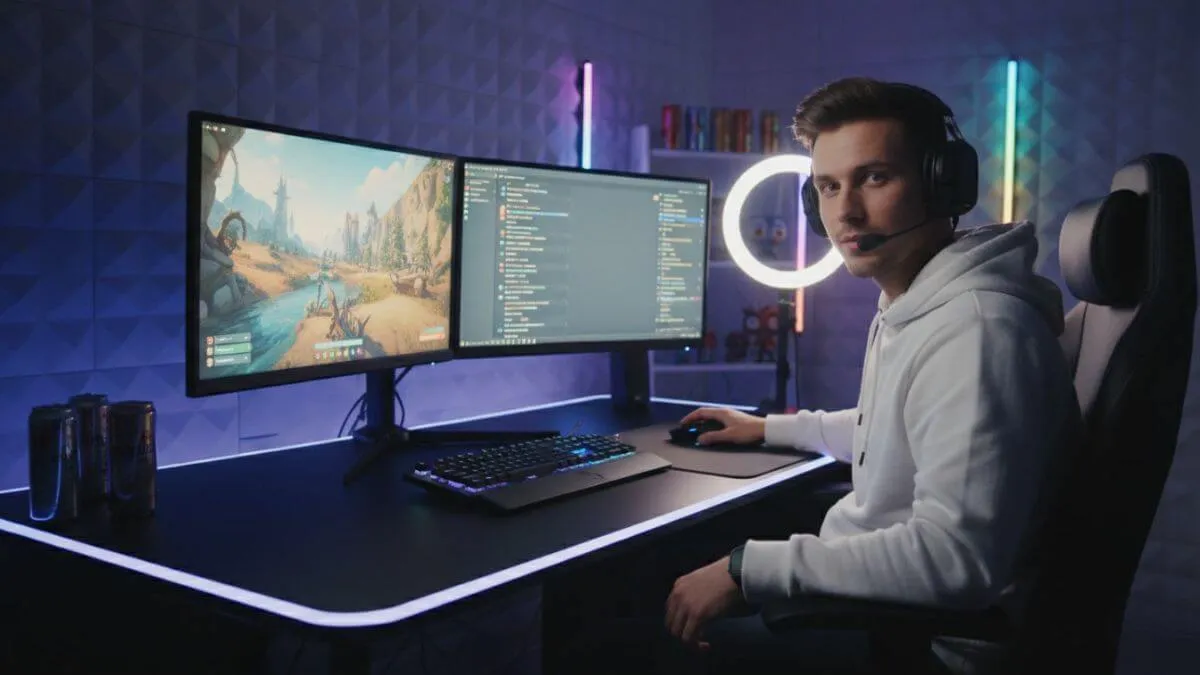
Camera is where most new streamers over-invest relative to the actual impact on their stream quality. The reason is simple: video gets heavily compressed before it reaches your viewers, and that compression erases most of the quality gap between a $80 webcam and a $280 one at typical streaming bitrates.
What makes the biggest visible difference in a streaming camera setup isn’t the camera it’s the lighting. A $30 key light placed in front of your face will improve your stream’s appearance more than any camera upgrade at twice the price. If your image looks grainy or washed out, the camera is usually not the problem. The lighting is.
Webcam vs. mirrorless camera for streaming: a good webcam is sufficient for the vast majority of streamers. A mirrorless or DSLR camera with a capture card is a meaningful upgrade, but only once you’ve already addressed lighting, audio, and the rest of your streaming equipment. It is the last upgrade most streamers should make, not the first.
What to prioritize in a streaming webcam:
- Consistent autofocus that doesn’t hunt during long sessions
- Reliable low-light performance for darker gaming rooms
- 1080p60 output 4K is largely irrelevant at streaming bitrates
- Wide enough field of view for your desk setup
→ Full guide: Best webcams for game streaming: budget to premium options tested
Check our detailed guide on the** best webcams for streaming**
13 mistakes that prevent sustainable channel growth
Focus: streaming mistakes, how to grow a streaming channel, streaming tips for beginners
Gear is only one part of building a sustainable streaming channel, and often not even the most important part. The streamers who stay stuck even after upgrading to a professional streaming equipment setup are almost always making one or more of the following mistakes.
The most damaging ones have nothing to do with streaming gear:
Inconsistent schedule. Platforms reward consistency with discoverability. Streaming three times one week and zero the next is worse than streaming once a week, every week, without fail.
No discoverability strategy. Streaming to zero viewers on a saturated game category and wondering why no one finds you is one of the most common beginner mistakes. Category selection and clip strategy matter as much as stream quality.
Upgrading gear instead of fixing fundamentals. A $400 microphone does not fix a stream with no consistent schedule, no community, and no content strategy. Gear amplifies what’s already working it doesn’t create it.
Ignoring stream analytics. Most platforms give you detailed viewer retention and peak concurrent data. Not using it means making decisions blind.
The full guide covers all 13 mistakes with specific fixes for each one.
→ Full guide: 13 streaming mistakes that prevent sustainable channel growth
Want to grow faster? Read our full guide on streaming mistakes that prevent channel growth and how to fix them.
Streaming gear by budget: complete build order
Focus: streaming setup budget, cheap streaming setup, how much does a streaming setup cost
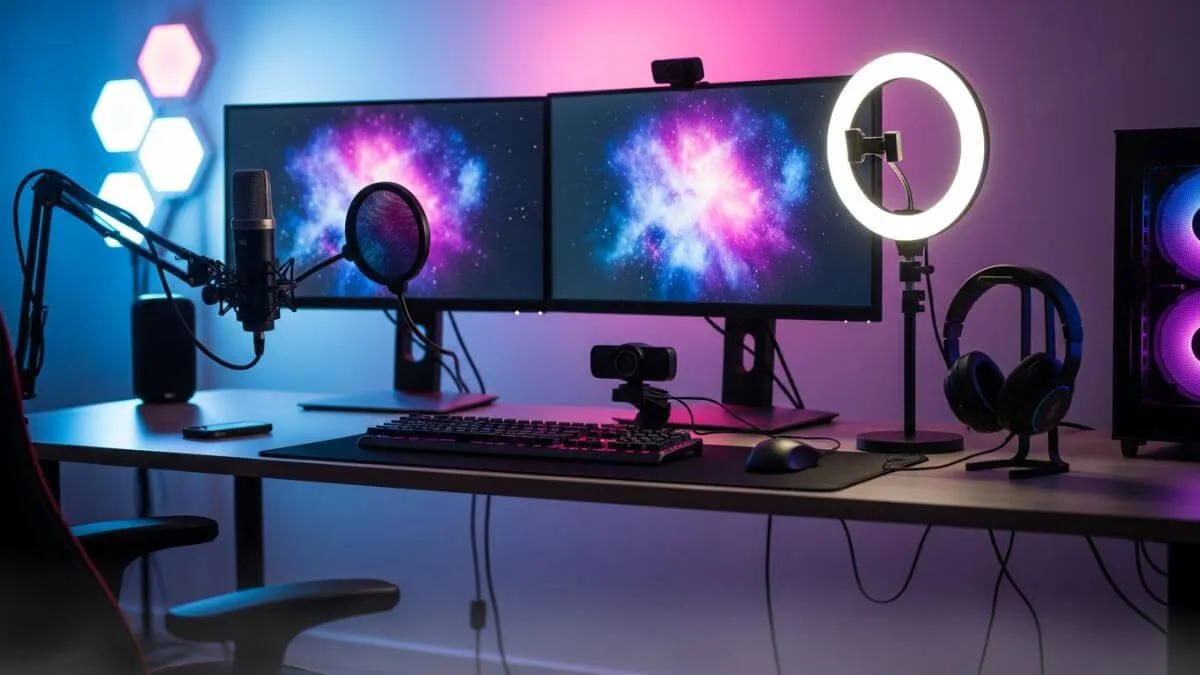
A complete streaming setup with microphone, webcam, lighting, and gaming gear for professional live streaming.
This is the order we’d follow if building a streaming setup from scratch today.
Stage 1: Under $100: foundation Priority: USB dynamic microphone, basic lighting (natural light or a cheap ring light). Skip: capture card, dedicated webcam, audio interface, stream deck. At this stage, clean audio and acceptable lighting are the only things that matter. Your built-in camera or a basic webcam is fine.
Stage 2: $100 to $300: getting serious Priority: upgrade to an XLR microphone with an entry-level audio interface, add a mid-range webcam. Skip: 4K capture, mirrorless camera, premium interface. This is the range where your audio starts to sound genuinely professional. The interface plus XLR mic combination is the biggest quality jump available per dollar spent on streaming equipment.
Stage 3: $300 to $700: professional setup Priority: better audio interface, improved lighting setup, capture card if console streaming. Skip: anything that doesn’t solve an identified, specific problem with your current setup. At this stage every upgrade should be solving a concrete problem, not chasing a spec sheet.
Stage 4: $700 and above: full production Priority: mirrorless or DSLR camera with HDMI capture, acoustic treatment for your room, stream deck. Skip: whatever is trending in streaming gear content right now unless it solves something specific for your workflow.
The one rule that saves most streamers the most money: don’t buy the next tier of streaming equipment until you have genuinely maxed out what your current setup can do. Acoustic treatment foam panels, a thick rug, heavy curtains will improve your stream audio more than a microphone upgrade if your room is echoey. Fix the environment before you fix the gear.
FAQ streaming setup questions answered
What streaming equipment do I need to start? The minimum viable streaming setup is a computer capable of encoding video, a USB dynamic microphone, and a stable internet connection with at least 6 Mbps upload speed. Everything else webcam, capture card, audio interface comes later.
How much does a streaming setup cost? A functional first streaming setup costs between $60 and $100, centered on a USB dynamic microphone. A professional streaming setup with XLR audio, a quality webcam, and good lighting runs $300 to $500. A full broadcast-grade production setup starts around $1,000.
Do I need an audio interface for streaming? Only if you’re using an XLR microphone. USB microphones connect directly to your computer. If you’re on USB and want better audio quality, the most impactful upgrade is switching to a USB dynamic mic before spending anything on an interface.
Do I need a capture card for PC streaming? No. Capture cards are for console streaming. If you’re streaming PC gameplay through OBS or Streamlabs, your GPU handles the signal directly and a capture card adds nothing.
USB vs. XLR microphone for streaming which is better? USB for beginners and anyone who wants a simple setup. XLR for anyone prioritizing maximum audio quality and willing to add an audio interface to their streaming equipment. The jump from a good USB mic to a good XLR setup is noticeable. The jump from a bad USB mic to an expensive USB mic is not.
What is the most important piece of streaming equipment? The microphone. Audio quality has more impact on viewer retention than any other single piece of streaming gear.
Does webcam quality matter for streaming? Less than most people think. Lighting has far more impact than camera quality at typical streaming bitrates. Get your lighting right before spending on a better webcam.